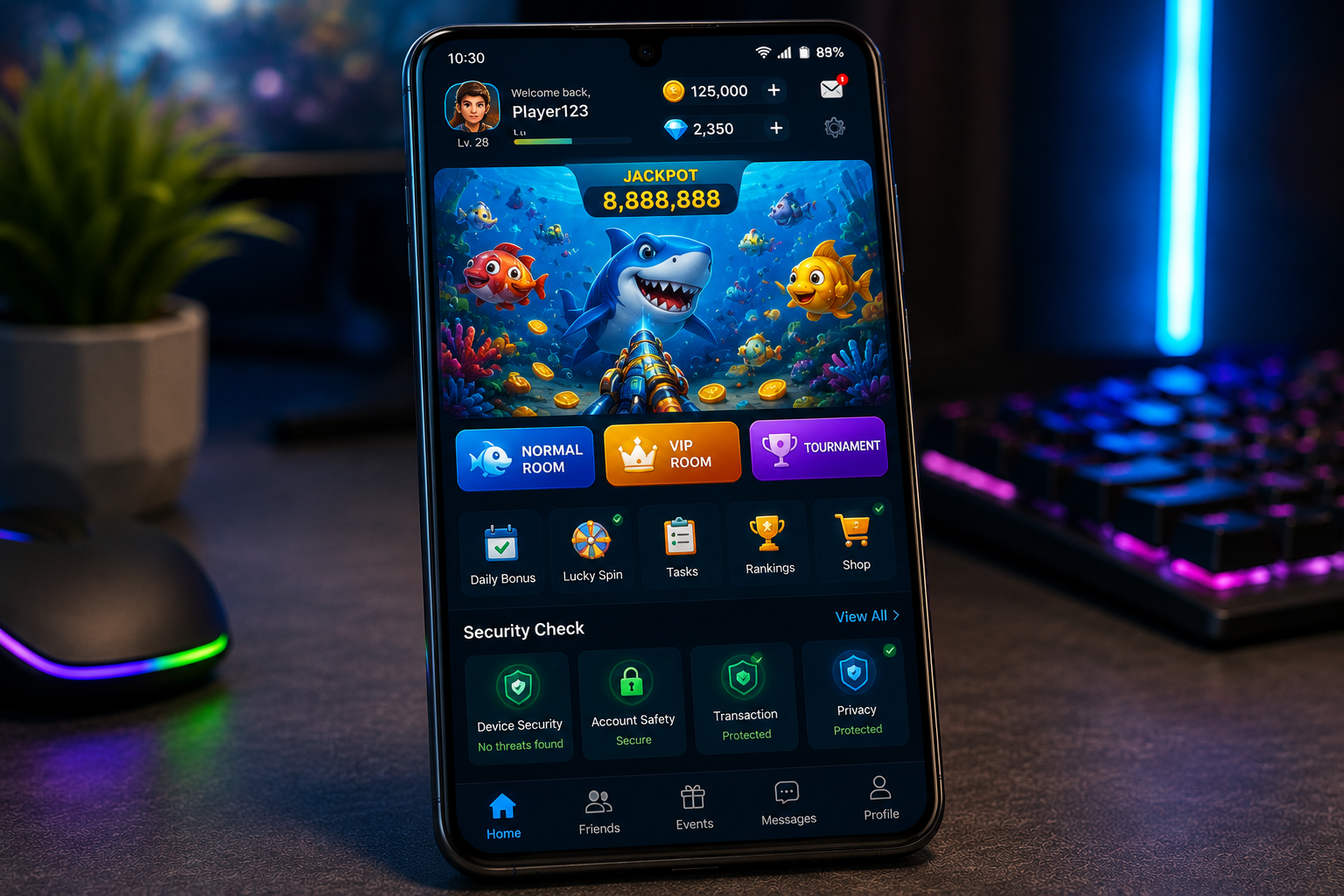
Mobile reel games can complete many rounds in a short period. Quick animations, autoplay, and immediate restarts reduce the natural pauses that exist in slower forms of entertainment. As the pace increases, users may find it harder to track elapsed time, total participation, and changes to the account balance.
Before opening a game through nohu90, users should identify every control that affects speed. These may include quick spin, turbo mode, automatic play, skipped animations, and repeated-round buttons. Convenience should not prevent someone from understanding the cost of each action.
Contents
- Measure the Default Round Length
- Identify the Total Cost Per Action
- Treat Quick Modes as a Meaningful Setting
- Examine Autoplay Before Activating It
- Keep Result Animations in Perspective
- Use History as a Pace Counter
- Add External Time Reminders
- Disable Promotional Interruptions
- Watch for Changes After Updates
- Create a Fixed Session Formula
- Keep Speed Under User Control
Measure the Default Round Length
Begin with a short demonstration or lowest-risk session and observe how long one complete round takes. Count from the confirmation of participation until the final result and updated balance appear. Repeat the measurement several times because bonus animations may take longer.
Multiplying the average round time by the planned session length provides a rough estimate of how many decisions could occur. The result often reveals that a seemingly brief session can contain far more rounds than expected.
Identify the Total Cost Per Action
The number displayed near the start button should represent the complete cost of one round, but some interfaces separate line values, coins, or denominations. Confirm the total rather than relying on one component.
Changing speed should never change the selected amount silently. Recheck the figure after switching game modes, rotating the screen, returning from a bonus feature, or reopening the application.
Treat Quick Modes as a Meaningful Setting
Quick-spin and turbo controls usually shorten or remove animation. They do not improve the probability of a result, but they allow more rounds to occur within the same period. This can increase total spending even when the amount per round remains unchanged.
Leave accelerated modes disabled during early sessions. Normal pacing provides more time to review the result, balance, and decision to continue.
Examine Autoplay Before Activating It
An autoplay panel should state the number of rounds, amount per round, total potential cost, and conditions that stop the sequence. Useful stop conditions may include a time limit, balance threshold, specified loss, or entry into a feature.
Users exploring a no hu game should not assume that closing an animation immediately cancels an accepted automatic sequence. Learn how to stop autoplay and verify that the control responds before leaving it unattended.
Keep Result Animations in Perspective
Long celebrations can make a returned amount feel more significant than it is. Compare the result with the original participation cost rather than judging it from sound, vibration, or screen effects.
A result lower than the amount used represents a net reduction even when the game presents it with celebratory graphics. Clear account history is more informative than the emotional tone of the animation.
Use History as a Pace Counter
The history should show round identifiers, timestamps, amounts, outcomes, and balance adjustments. Count the number of rounds completed during a fixed interval and compare the total cost with the planned budget.
This review focuses on personal activity, not prediction. Previous symbols and outcomes do not force a future random round to behave differently. Streak charts describe the past but cannot guarantee what comes next.
Add External Time Reminders
Platform reminders are helpful, but an independent Android alarm or app timer provides a second boundary. Set it before opening the game, and avoid dismissing it automatically when it appears.
Breaks should involve leaving the screen rather than switching briefly to another game. Standing up, drinking water, and reviewing the remaining budget creates a clearer interruption in the session.
Disable Promotional Interruptions
Pop-ups announcing limited-time events can encourage faster decisions. Close them and read any relevant terms separately. A countdown does not require a user to abandon previously established limits.
Keep security and transaction notifications while silencing promotional alerts. Android notification categories may allow each type to be managed independently.
Watch for Changes After Updates
An application update can reset animation speed, sound, participation level, or autoplay preferences. Review these settings before the first round after every major update.
Updates should come from a verified source and retain the expected developer signature. Do not install files sent through unsolicited messages or grant unrelated permissions to restore a familiar interface.
Create a Fixed Session Formula
Define the maximum duration, maximum entertainment budget, and permitted amount per round in advance. These values should remain unchanged regardless of recent results. Stop when the first limit is reached.
Never increase spending to recover a loss or continue because a particular result appears overdue. Independent random rounds do not remember earlier outcomes, and faster play cannot create a mathematical advantage.
Keep Speed Under User Control
Paid gaming must comply with local laws and minimum-age requirements. Essential or borrowed funds should never be involved, and game activity cannot be treated as dependable income.
A manageable mobile experience leaves enough time to understand every action and stop without friction. By reducing automated play, monitoring history, and using firm reminders, users can prevent interface speed from determining the pace of their decisions.