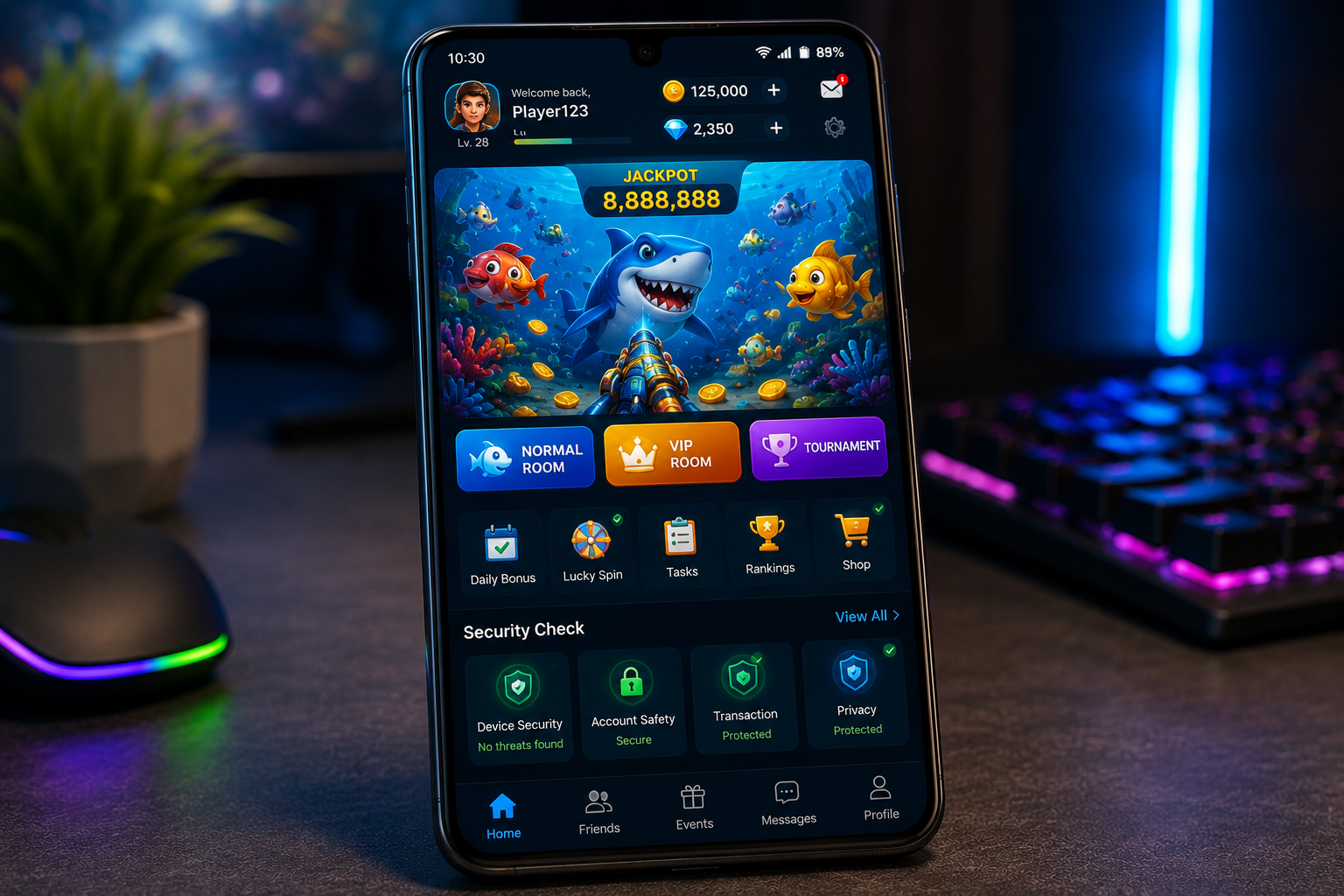
A link can display a recognizable gaming name while pointing to a domain that appears unrelated to that name. This mismatch does not prove malicious intent by itself, but it gives users a strong reason to pause. Domain relevance, connection security, and page behavior should all be checked before entering credentials or downloading an Android package.
Anyone encountering a link labeled S666 should examine the complete destination rather than relying on the anchor text. The supplied address uses HTTP and contains wording that does not clearly correspond with the visible label. Those details make independent verification especially important.
Contents
- Compare the Label With the Destination
- Look for a Logical Domain Name
- Treat Plain HTTP as a Warning
- Inspect the Final Address After Loading
- Avoid Unexpected Android Downloads
- Question Unrelated Permission Requests
- Protect Credentials From Copied Login Pages
- Do Not Rely on Search Rankings
- Keep Financial Risk Separate From Technical Security
- Pause When the Identity Does Not Add Up
Compare the Label With the Destination
Anchor text is simply the visible part of a hyperlink. Website owners, advertisers, and message senders can attach almost any destination to it. A familiar name therefore provides no technical confirmation that the linked page belongs to the expected service.
On Android, press and hold a link to preview its destination before opening it. If the preview is truncated, copy the address without visiting it and inspect the full text in a safe notes field. Do not enter personal information merely because the label looks recognizable.
Look for a Logical Domain Name
A relevant domain normally has a reasonable connection to the platform, publisher, or service it represents. Unrelated commercial wording, unusual subdomains, excessive hyphens, and character substitutions deserve closer attention.
Attackers sometimes reuse expired domains because they already have search visibility or incoming links. A domain’s previous reputation does not guarantee that its current operator or content remains the same. Recently changed branding should be confirmed through established official channels.
Treat Plain HTTP as a Warning
HTTP does not encrypt traffic between the browser and the website. Information can potentially be observed or modified while moving across the network. Users should never submit passwords, identity documents, payment information, or verification codes through an unencrypted page.
Replacing HTTP with HTTPS manually can reveal whether a secure version exists. If the browser reports an invalid certificate, mismatched domain, or insecure connection, stop immediately. Never install a certificate or configuration profile supplied by the page to remove the warning.
Inspect the Final Address After Loading
Some links redirect through multiple domains before reaching their final page. Wait until navigation stops, then check the address bar again. Repeated redirects, unexpected tabs, and sudden changes to unrelated domains are reasons to close the browser.
Do not approve notification access during this process. Deceptive websites can use browser notifications to send imitation security alerts, promotional messages, or additional unsafe links after the original tab has been closed.
Avoid Unexpected Android Downloads
A webpage should not begin downloading an application merely because it was opened. Cancel any unexpected APK, archive, browser extension, or configuration file. Do not disable Android security features to force an unfamiliar package to install.
If an application is genuinely required, verify its developer, version, file size, digital signature, and checksum through a trusted source. Scan the package independently and review its requested permissions before installation.
A basic gaming application may need internet access and optional notifications. It should not automatically require contacts, text messages, call history, precise location, accessibility control, or device-administration privileges.
Special permissions deserve particular caution because they can allow an app to read screen content, appear over login forms, or control other device functions. Deny any request that lacks a clear and necessary explanation.
Protect Credentials From Copied Login Pages
Lookalike pages often reproduce logos, colors, menus, and account forms from another service. The browser address remains more useful than the visual design. A password manager can provide an additional warning because it normally fills credentials only on the exact saved domain.
If credentials were entered on a questionable page, change the password through a verified destination immediately. End other sessions, secure the associated email account, and replace the password anywhere else it was reused.
Do Not Rely on Search Rankings
A high search position does not establish ownership or safety. Sponsored results can lead to imitation pages, and compromised domains may temporarily appear for branded searches. Examine the destination of every result before opening it.
Independent confirmation should come from consistent official profiles, published operator information, verifiable licensing records where applicable, and established application marketplaces. One repeated link copied across several low-quality pages is not independent evidence.
Keep Financial Risk Separate From Technical Security
Even an authentic and encrypted gaming website may involve uncertain paid outcomes. Users must check local laws, satisfy minimum-age requirements, and read transaction and withdrawal conditions before participating.
Set a fixed entertainment budget, avoid borrowed or essential funds, and never increase spending to recover a loss. Technical verification protects the account and device, but it cannot make a random game financially predictable.
Pause When the Identity Does Not Add Up
A mismatched label, unrelated domain, plain HTTP connection, unexpected redirect, or unsolicited download may each have an explanation. When several appear together, the sensible response is to leave the page until its identity can be verified independently.
No mobile game requires users to ignore browser warnings or surrender unnecessary device access. Taking a minute to inspect the destination can prevent account theft, unsafe installation, and exposure of personal information.