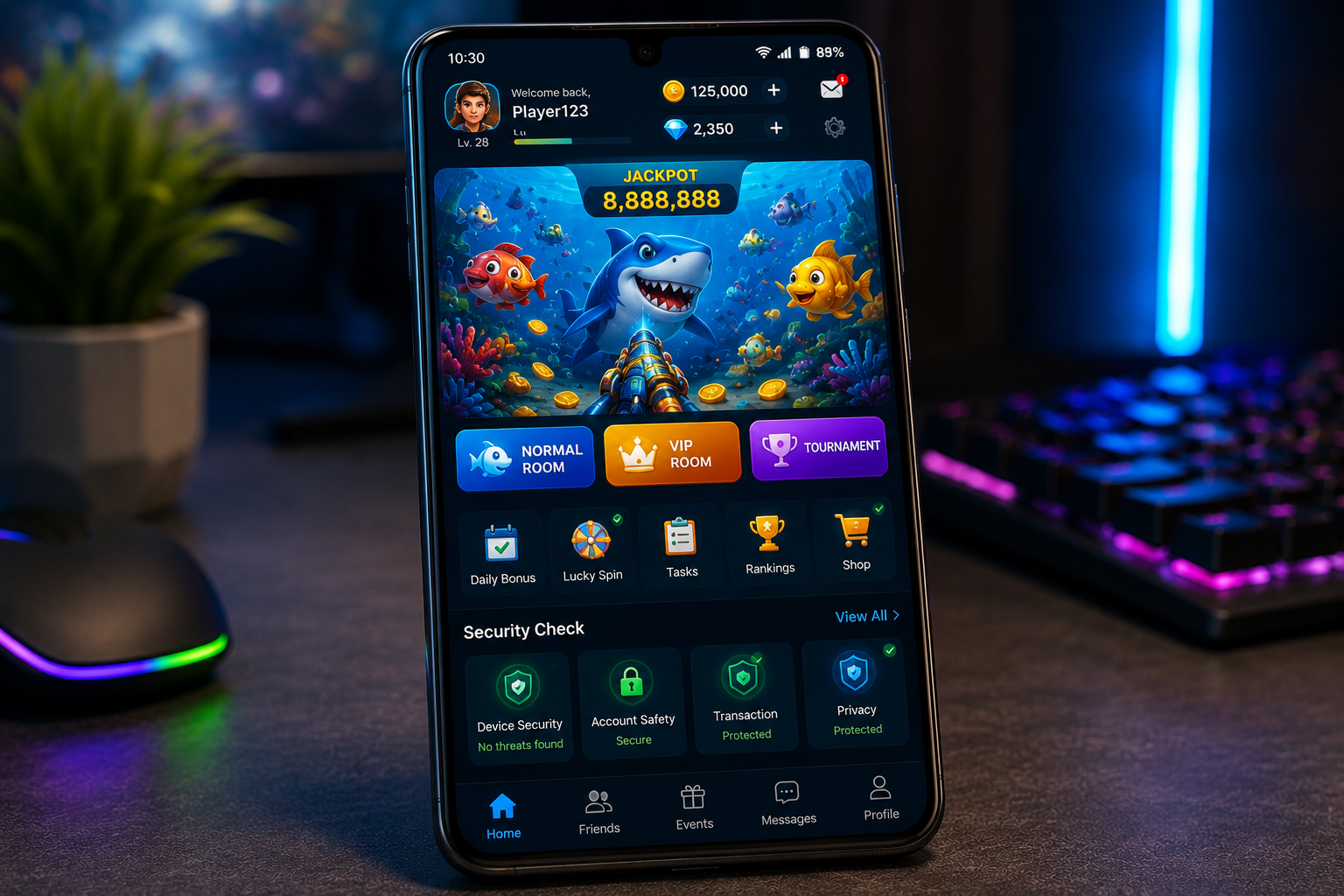
Gaming notifications can be useful when they confirm account activity, announce maintenance, or provide an important security warning. They become less helpful when every promotion, event, and reminder competes for attention throughout the day. Android gives users detailed control over these alerts, making it possible to keep essential information while silencing unnecessary interruptions.
Someone accessing RIKVIP can begin by observing which messages arrive during the first few sessions. Instead of accepting the default notification setup permanently, users should decide which categories provide practical value and which ones simply encourage them to reopen the platform more frequently.
Contents
Separate Security Alerts From Promotions
Not all notifications deserve the same priority. Login warnings, password changes, transaction confirmations, and updates to account details may require prompt attention. Promotional messages, bonus announcements, and general game reminders are rarely urgent and can usually be disabled without affecting account access.
On recent Android versions, holding a notification often reveals its category and settings. Users can silence that specific type of alert while leaving other categories active. If the application does not offer separate categories, disabling all promotional notifications inside the account settings may be the cleaner solution.
Review Notifications on the Lock Screen
Lock-screen previews can expose private information to anyone who can see the phone. Usernames, account activity, balances, and transaction messages should not appear in full when the device is locked. Android settings allow sensitive content to be hidden while still showing that a notification has arrived.
This precaution is especially valuable for shared households, workplaces, and public transport. A strong screen lock using a PIN, password, fingerprint, or facial authentication provides another layer of protection. Simple patterns and easily guessed codes should be avoided.
Use Focus Mode During Work and Sleep
Digital Wellbeing tools can temporarily pause selected applications and mute their alerts. Adding a gaming platform to Focus mode helps create uninterrupted periods for work, study, exercise, or rest. A schedule can activate automatically instead of relying on willpower each time a notification appears.
Do Not Disturb offers broader control over the device. Users can permit calls from important contacts while silencing entertainment apps overnight. Testing these settings once is worthwhile because manufacturer-specific Android interfaces may handle alarms, repeat callers, and priority notifications differently.
Question Messages That Create Urgency
Some alerts use countdowns, limited-time language, or claims about expiring rewards to encourage immediate action. Urgency can make users skip normal security checks or spend without reflection. There is rarely a good reason to open a gaming notification the moment it arrives.
If a message associated with RIK VIP requests a login, payment, or identity check, open the verified website independently instead of tapping the alert link. This habit reduces exposure to deceptive notifications that imitate a familiar service.
Keep Browser Notifications Under Control
Mobile websites can request permission to send notifications even when no dedicated app is installed. Users sometimes approve these requests accidentally while trying to dismiss a pop-up. Browser alerts may then continue after the original tab has been closed.
Review the notification permissions for individual websites in the browser’s privacy or site-settings menu. Remove unfamiliar domains and block repeated requests when they offer no genuine benefit. A website does not need notification access merely to display games or account information.
Watch for Security Warning Signs
An unexpected login alert can indicate an attempted account takeover. Check the time, device, and approximate location if those details are provided. When the activity is unfamiliar, change the password through a verified page, end other sessions, and secure the connected email account.
Never send a one-time verification code to someone claiming to be customer support. A genuine support representative should not need the code used to authorize a login. Users should also avoid installing applications or remote-control tools at the request of an unsolicited caller or message.
Create Limits That Work Before Playing
Notifications are designed to bring users back, so boundaries are easier to establish before opening a game. Decide how much time and money can be used for entertainment, then follow those limits regardless of short-term results. Android app timers can support this routine by tracking usage and closing access after a chosen period.
Where paid play is permitted, it must remain an optional leisure expense. Users should meet local age requirements, understand applicable laws, and never use money needed for rent, food, bills, or debt payments. Losses should not be chased by extending a session or increasing spending.
Perform a Monthly Notification Audit
Applications and websites can add new alert categories after updates. Once a month, review recently sent notifications in Android settings and identify the services responsible for most interruptions. Disable anything repetitive, irrelevant, or manipulative.
A well-managed phone does not need to be completely silent. It should surface information that protects the user while keeping routine promotions in the background. With selective permissions, private lock-screen settings, and scheduled quiet periods, mobile gaming can occupy an intentional place in the day rather than constantly demanding attention.