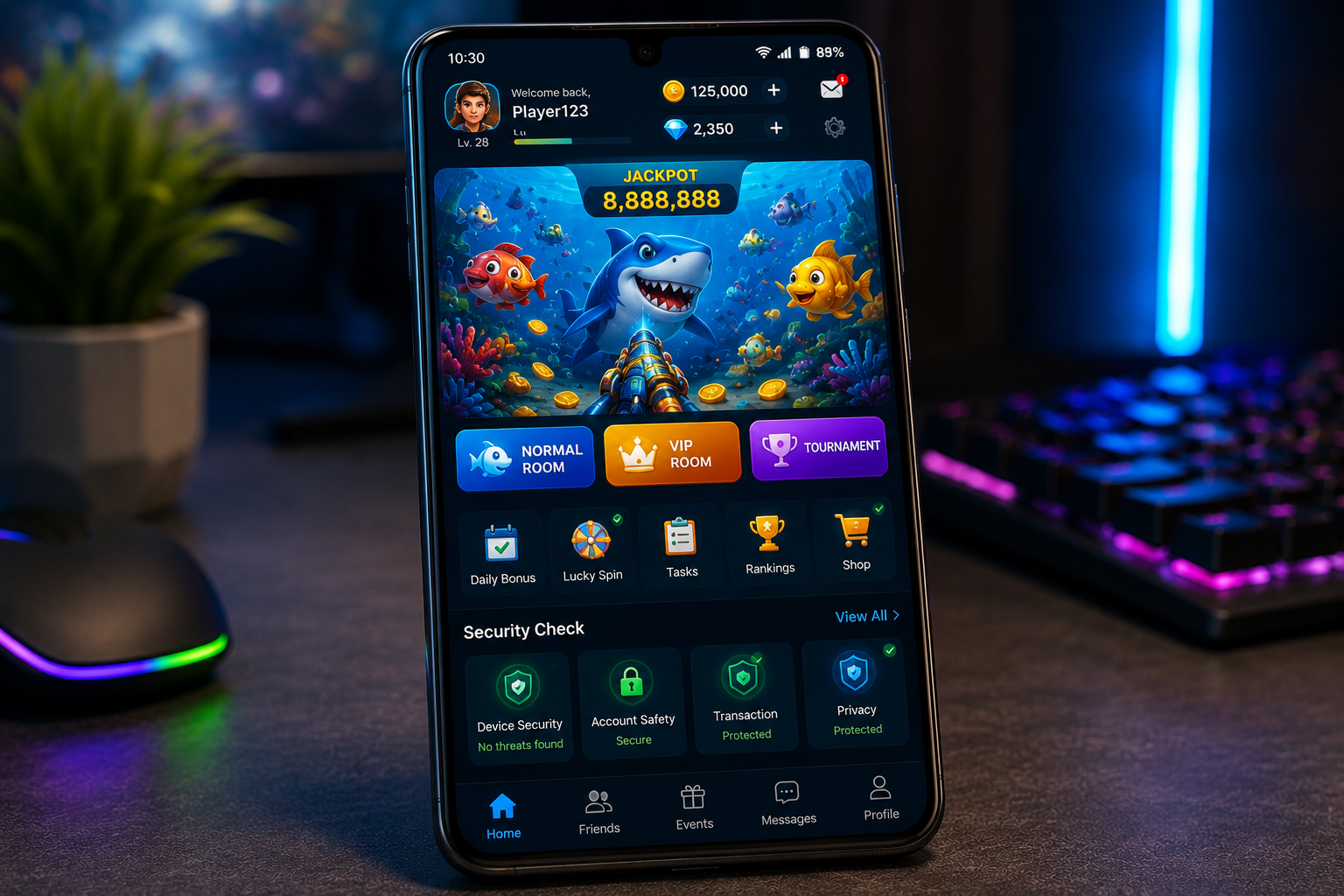
Signing into a gaming account on a borrowed phone, shared tablet, hotel computer, or public workstation creates risks that do not exist on a personally controlled device. Credentials may be saved automatically, notifications can reveal private details, and an incomplete sign-out may leave the account accessible to the next user.
Before opening Hitclub on any shared device, consider whether access is genuinely necessary. Waiting until a trusted phone is available is usually safer. If immediate access is required, the session should be treated as temporary and carefully isolated.
Contents
- Assess the Device Before Using It
- Avoid Unknown Public Wi-Fi
- Enter the Verified Address Manually
- Use a Private Browsing Session
- Never Save the Password
- Handle Verification Codes Privately
- Limit Sensitive Account Actions
- Sign Out Through the Account Menu
- Check the Account From a Trusted Device
- Do Not Conduct Paid Play on Public Equipment
- Make Personal Devices the Default
Assess the Device Before Using It
A visibly outdated operating system, unusual browser extensions, repeated pop-ups, or disabled security settings are reasons not to proceed. Users cannot reliably determine whether a public computer contains monitoring software, so sensitive financial activity should be avoided entirely.
Borrowed personal devices may be safer than public terminals, but only when the owner is trusted and the software is current. Ask permission before opening a private browsing session or changing browser settings.
Avoid Unknown Public Wi-Fi
Network names can be copied easily. Confirm the correct Wi-Fi name with the venue rather than selecting the strongest open signal. A connection that asks users to install a certificate, configuration profile, or unknown application should not be used.
Mobile data from a trusted phone is preferable when available. HTTPS still matters on every network; never continue past a certificate or insecure-connection warning.
Enter the Verified Address Manually
Search advertisements can lead to imitation login pages. Type the known address carefully or use a verified bookmark synchronized from a protected account. Inspect the complete domain after the page loads and again after any redirect.
A password manager can provide an additional warning because saved credentials normally fill only on the matching domain. If autofill behaves unexpectedly, stop and examine the address rather than typing the password manually.
Use a Private Browsing Session
Private mode reduces local storage of history, cookies, and form data after all private tabs are closed. It does not hide activity from the website, network operator, device administrator, or monitoring software. It should therefore be treated as a cleanup aid, not complete anonymity.
Open only the tabs required for the session. Closing every private tab afterward is essential because an active tab may retain authentication even when the browser window is minimized.
Never Save the Password
Decline prompts to save credentials, remember the account, or keep the user signed in. Do not add the password to a browser profile owned by someone else. Clipboard history can also preserve copied text, so typing the credential through a trusted password manager is preferable.
If a password must be entered manually, shield the screen from nearby observers. Never display recovery codes or the complete password in an unprotected notes application.
Handle Verification Codes Privately
When using Đăng nhập Hit Club, complete additional verification only through the confirmed page. Read the code from a personal device and avoid copying it into shared clipboard services.
One-time codes should never be sent to customer support. If an unexpected code arrives, do not approve the request. Someone else may already know the password and be attempting to complete the login.
Limit Sensitive Account Actions
A temporary session should be used only for the necessary task. Avoid changing recovery information, uploading identity documents, or storing payment methods on a shared device. These activities expose more private data and may leave downloadable files behind.
Transaction records and balances should not remain visible when another person approaches. Disable browser notifications and avoid downloading statements unless they can be removed securely afterward.
Closing a tab is not the same as signing out. Use the platform’s sign-out command, wait for the public page to appear, and then close every related tab. If the account provides session management, revoke the shared device immediately afterward.
Clear site-specific cookies, downloaded files, and form data where possible. Avoid deleting unrelated information belonging to the device owner. On a public terminal, assume that local cleanup may be incomplete.
Check the Account From a Trusted Device
After the temporary session, open the account from a personal device and review recent login activity. Confirm the time, browser, and approximate location. Remove the shared device if it still appears in the active-session list.
Change the password immediately if the device behaved unusually, the domain was uncertain, or sign-out could not be confirmed. Secure the associated email account at the same time and review transaction history for unfamiliar activity.
Do Not Conduct Paid Play on Public Equipment
Shared devices add privacy and account risks to an activity that already carries financial uncertainty. Where paid gaming is legal, users must meet minimum-age requirements and should participate only from a secured personal device.
Maintain a fixed entertainment budget, avoid essential or borrowed funds, and never chase losses. Public access should not create pressure to make hurried decisions or bypass normal security checks.
Make Personal Devices the Default
The strongest protection is to avoid shared-device login whenever possible. A personal phone with a current operating system, screen lock, unique password, and additional verification provides far greater control over credentials and session data.
When temporary access cannot be avoided, keep the session narrow: verify the domain, use private browsing, reject password saving, sign out explicitly, and review the account afterward. Those steps reduce exposure, although they cannot make an untrusted device completely safe.