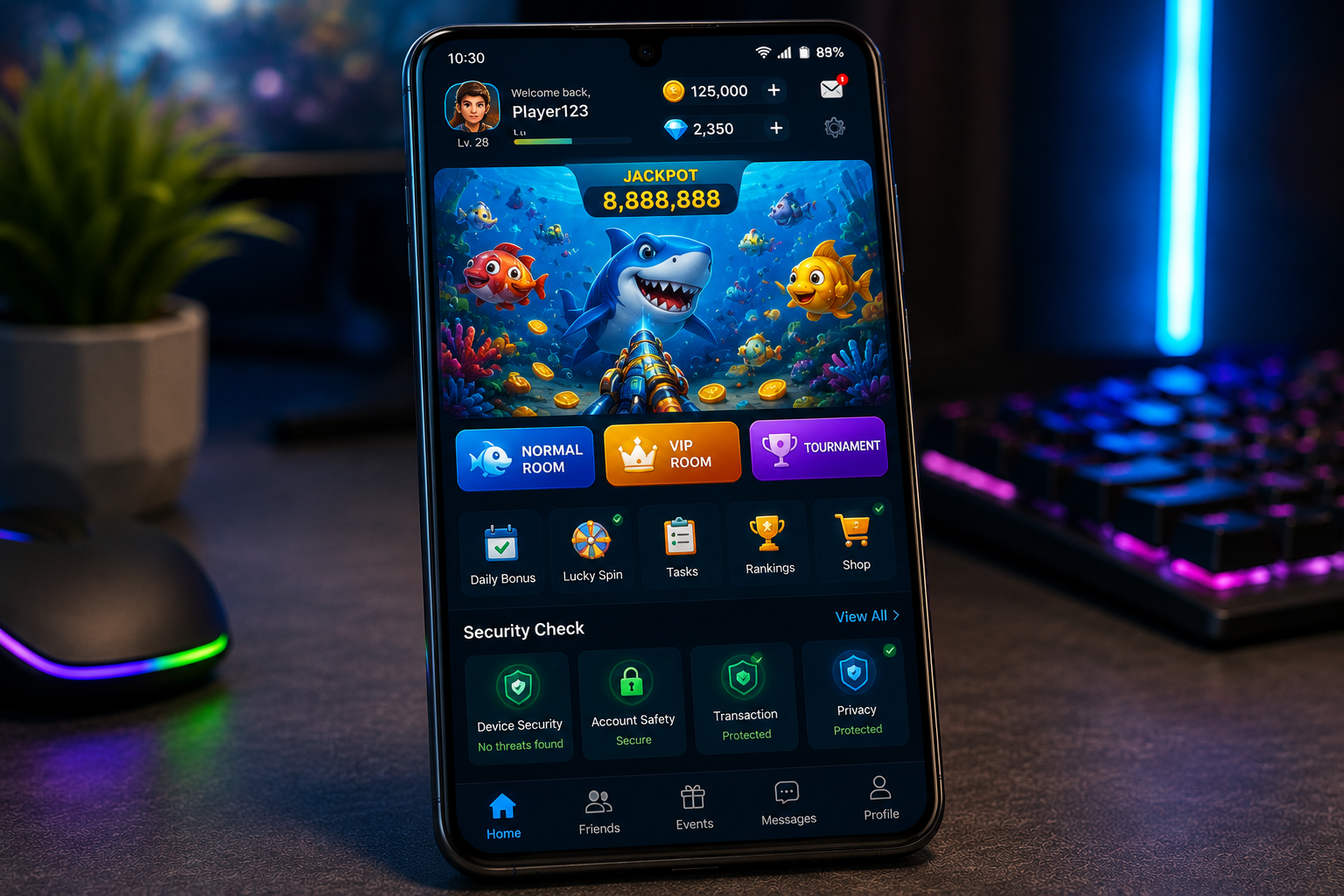
A mobile casino lobby can contain hundreds of game tiles, promotional banners, provider categories, and recently played items. The volume of choice may look convenient, but it can also make important information difficult to find. A useful lobby should help users understand each game before opening it, not merely encourage constant scrolling.
When exploring V79, begin by examining the structure of the lobby. Categories should be clearly labeled, search should return relevant results, and account tools should remain accessible from every section. Large promotional graphics should not hide balance, history, limit, or support controls.
Contents
- Start With the Main Categories
- Test Search and Filtering Tools
- Look Beyond “Popular” and “Recommended”
- Open the Information Panel First
- Verify the Software Provider
- Use Favorites Instead of Endless Scrolling
- Check Whether History Is Easy to Reach
- Evaluate the Lobby on a Small Screen
- Control Previews, Sound, and Notifications
- Make Personal Limits Visible
- Choose Transparency Over Variety
Start With the Main Categories
A well-organized lobby usually separates table games, reel games, live games, card games, and other formats. These labels should describe the content accurately. A game should not appear in an unrelated category merely because it is being promoted.
Use broad categories to understand the library before applying filters. This reveals whether the platform offers meaningful organization or simply repeats the same titles across several sections.
Test Search and Filtering Tools
Search should work with a full title, partial title, or provider name. Filters may include game type, release date, popularity, features, or participation range. Apply one filter at a time so the effect remains clear.
A reset option is important on small screens because hidden filters can make games appear unavailable. Closing and reopening the lobby should not leave users wondering why only a few titles remain visible.
Look Beyond “Popular” and “Recommended”
Labels such as popular, trending, or recommended may reflect promotional placement rather than an independent quality assessment. The platform should explain whether recommendations are personalized and what data influences them.
Do not interpret high placement as evidence of fairness or favorable outcomes. Visibility describes how the lobby presents a game; it does not change the game’s mathematical structure.
Open the Information Panel First
Every game should provide rules, participation limits, result calculations, special-feature conditions, and technical information before a paid round begins. Users should not need to enter the game repeatedly just to find basic details.
When browsing V79 Casino, check whether the information panel identifies the software provider and version. Similar titles from different providers can use distinct rules, return information, or interface behavior.
Verify the Software Provider
A provider label can help users locate official game documentation and testing information. However, a logo alone does not prove that the platform uses an authentic version. Licensing and supplier claims should be verified independently where possible.
The game information should remain consistent with documentation published by the named provider. Unexplained changes to rules, symbol values, or result history deserve caution.
Use Favorites Instead of Endless Scrolling
A favorites list can reduce repeated exposure to promotional sections and help users return to games whose rules they already understand. Keep the list short and remove titles that are no longer used.
Recently played lists serve a different purpose. They can help review activity, but they should not replace a complete account history containing timestamps, amounts, and results.
Check Whether History Is Easy to Reach
Users should be able to leave a game and inspect completed rounds without navigating through several promotional pages. Each history entry should identify the game, time, participation amount, outcome, and balance adjustment.
If the visual result and history disagree, stop activity and save the round reference. Contact support through a verified channel and never provide a password or one-time authentication code.
Evaluate the Lobby on a Small Screen
Buttons must remain large enough to select accurately, while titles and limits should not be truncated. Test portrait and landscape orientation. The lobby should preserve position when returning from a game instead of jumping unpredictably to the top.
Check how the interface behaves when text size is increased through Android accessibility settings. Essential controls should remain visible, and game information should not depend solely on color.
Control Previews, Sound, and Notifications
Automatic video previews consume data and can make the lobby distracting. Disable them when possible, particularly on a limited mobile plan. Background music and vibration should also have separate controls.
Keep account-security and transaction alerts while silencing repetitive promotional notifications. Entertainment messages should not interrupt work, study, or sleep simply because the lobby contains new content.
Make Personal Limits Visible
Deposit limits, session reminders, cooling-off tools, and account closure should be available from the main account area. These controls are more useful when they remain easy to find before and during a session.
Set a fixed entertainment budget and duration before browsing. A large library can encourage longer sessions through constant novelty, even when no individual game holds attention for long.
Choose Transparency Over Variety
A platform with fewer clearly documented games can provide a better experience than one with a vast but confusing catalog. Organization, readable rules, persistent records, accessible controls, and provider transparency matter more than the number of tiles.
Paid gaming must comply with local laws and age requirements. Essential or borrowed funds should never be used, and losses should not be chased. A well-designed lobby helps users make deliberate choices and leave easily, rather than turning endless selection into pressure to continue.