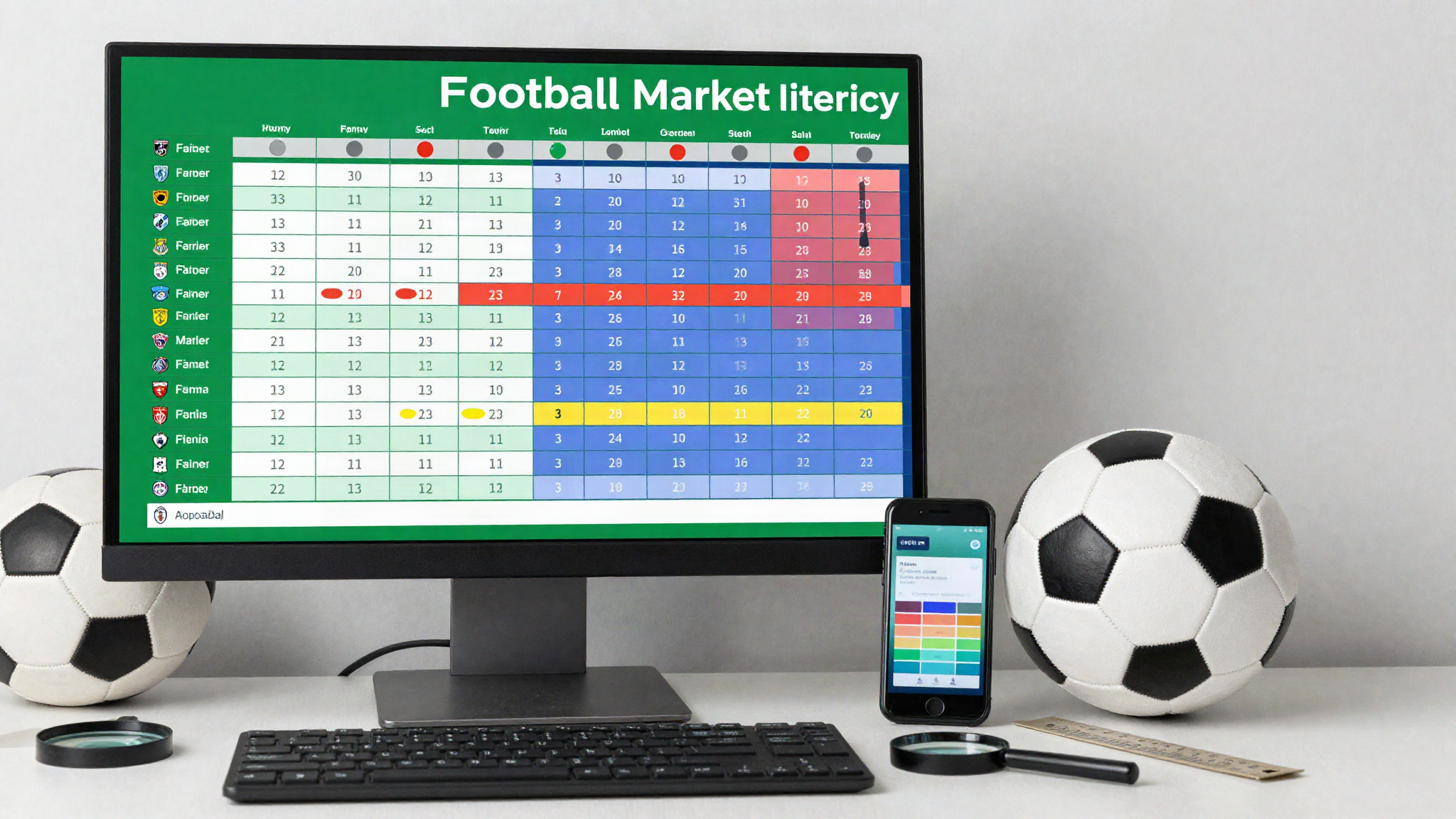
A dense football data table can place fixtures, timestamps, market types, opening values, current values, and status indicators within a few centimeters of screen space. The greatest risk is often not difficult mathematics but reading the correct number from the wrong row or column. A disciplined scanning routine helps preserve context on both desktop and mobile displays.
Contents
Identify the Fixture Before Reading Values
Start at the left edge of the row and confirm the competition, teams, kickoff, and time zone. Similar club names, reserve teams, youth squads, and two-legged ties can create nearly identical listings. Do not move to the numerical columns until the fixture identity is certain. If the table uses shortened names, open the detailed view and confirm the complete event description before recording anything.
Map the Table Header to One Row
When opening a page labeled Trang chủ Tỷ Lệ Kèo Bóng Đá, first locate the header and follow each heading vertically to a single fixture. Sticky headers can help, but they may disappear after horizontal scrolling. Take note of grouped headings, subcolumns, and units. A value under a neighboring market can look plausible while answering a completely different question.
Confirm Which Team Is on Each Side
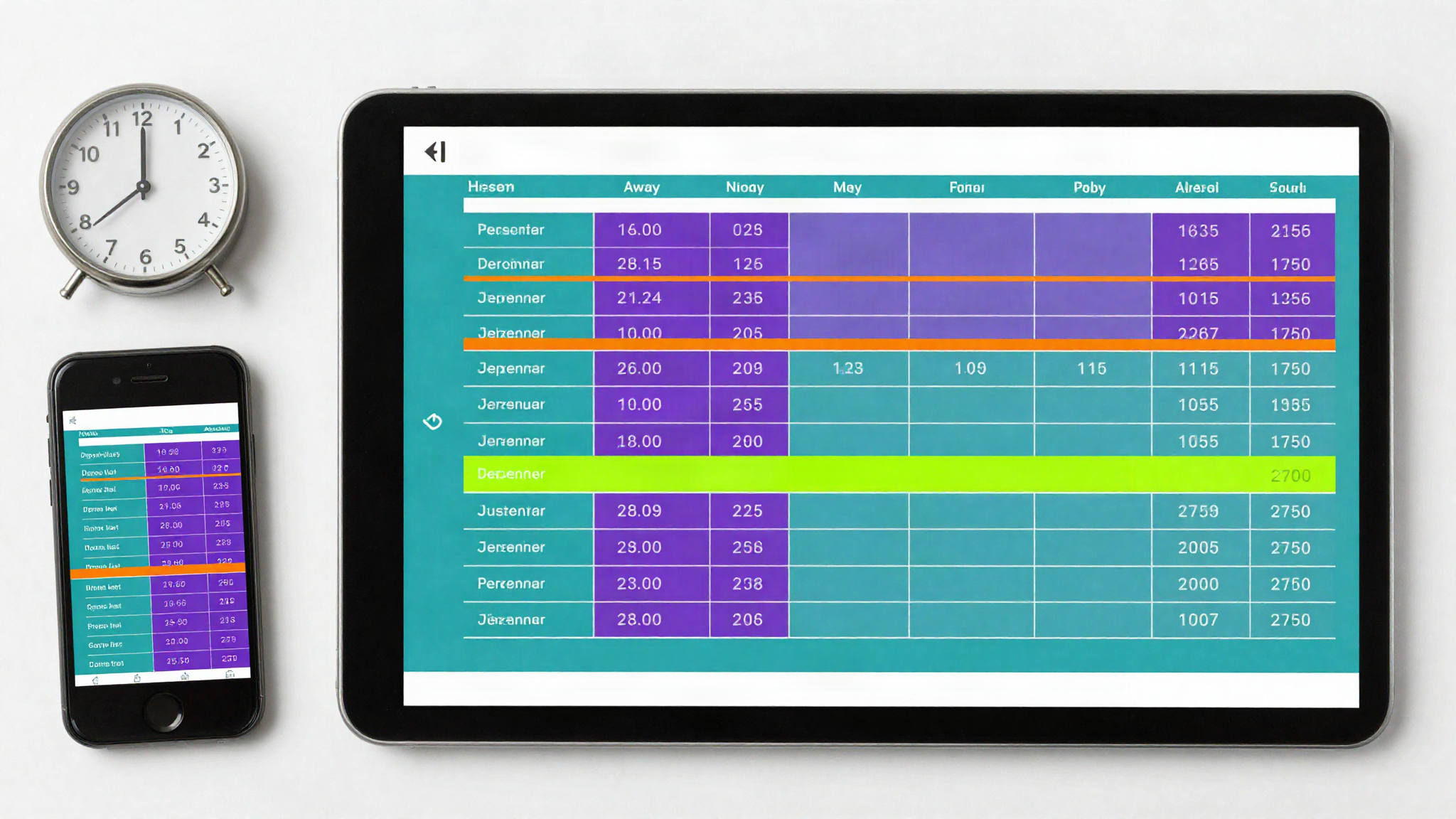
Some tables place the home team first, while others emphasize the favored side or reverse the order for a particular market. Never infer orientation from color, bold type, or position alone. Look for an explicit home or away marker and check whether the detailed fixture page uses the same order. When copying a row, store the team name beside each value instead of relying on “left” and “right.”
Separate Opening and Current Columns
An opening value and a current value describe different observation points. Confirm which column is which and record the displayed update time. Do not interpret their difference until checking that the market line, period, and format are unchanged. A table may update the price while leaving the line stable, or change the line and reset the associated price. Both components must remain paired.
Check the Format Before Comparing Numbers
A heading such as TY LE KEO may sit above values displayed in decimal, fractional, American, Hong Kong, Malay, or Indonesian formats. The same underlying relationship can therefore appear as very different numbers. Preserve the original value and format before converting anything. Use one documented conversion method and consistent rounding if several rows need to be compared.
Read Status Indicators as Data
A blank cell is not automatically zero. It may indicate missing information, suspension, an unavailable market, or a loading problem. Likewise, a gray row may mean finished, disabled, or temporarily paused depending on the table. Open the legend and record the actual status. Never carry a previous value into a blank cell merely to complete a spreadsheet.
Protect Context on Mobile Screens
Responsive layouts often transform a wide row into stacked cards. Check whether labels remain attached to their values after the transformation. Horizontal scrolling can also leave the team names off-screen while numerical columns remain visible. Before copying a mobile value, scroll back to the fixture identity and then return carefully to the target field. Device rotation may reveal missing headers, but it should not change the underlying order.
Copy a Complete Observation
A reusable record should contain fixture identifier, source, capture time, time zone, market period, team side, line, price, display format, update status, and any note about suspension or delay. Capturing the entire observation prevents a single number from becoming detached from its definition. Keep screenshots as supporting evidence, but use structured fields for searching, sorting, and comparison.
Table-Reading Checklist
- Confirm the fixture, competition, kickoff, and time zone.
- Trace the header vertically to the intended row.
- Verify home and away orientation explicitly.
- Keep opening and current values in separate fields.
- Record the line together with its associated price.
- Preserve the original numerical format.
- Distinguish blank, suspended, and unavailable states.
- Recheck labels after mobile stacking or horizontal scrolling.
A football table becomes easier to use when every value remains attached to its definition. Careful column mapping does not make uncertain data predictive; it simply reduces avoidable reading errors. Follow applicable laws and treat market information as changing context rather than a guaranteed description of future results.