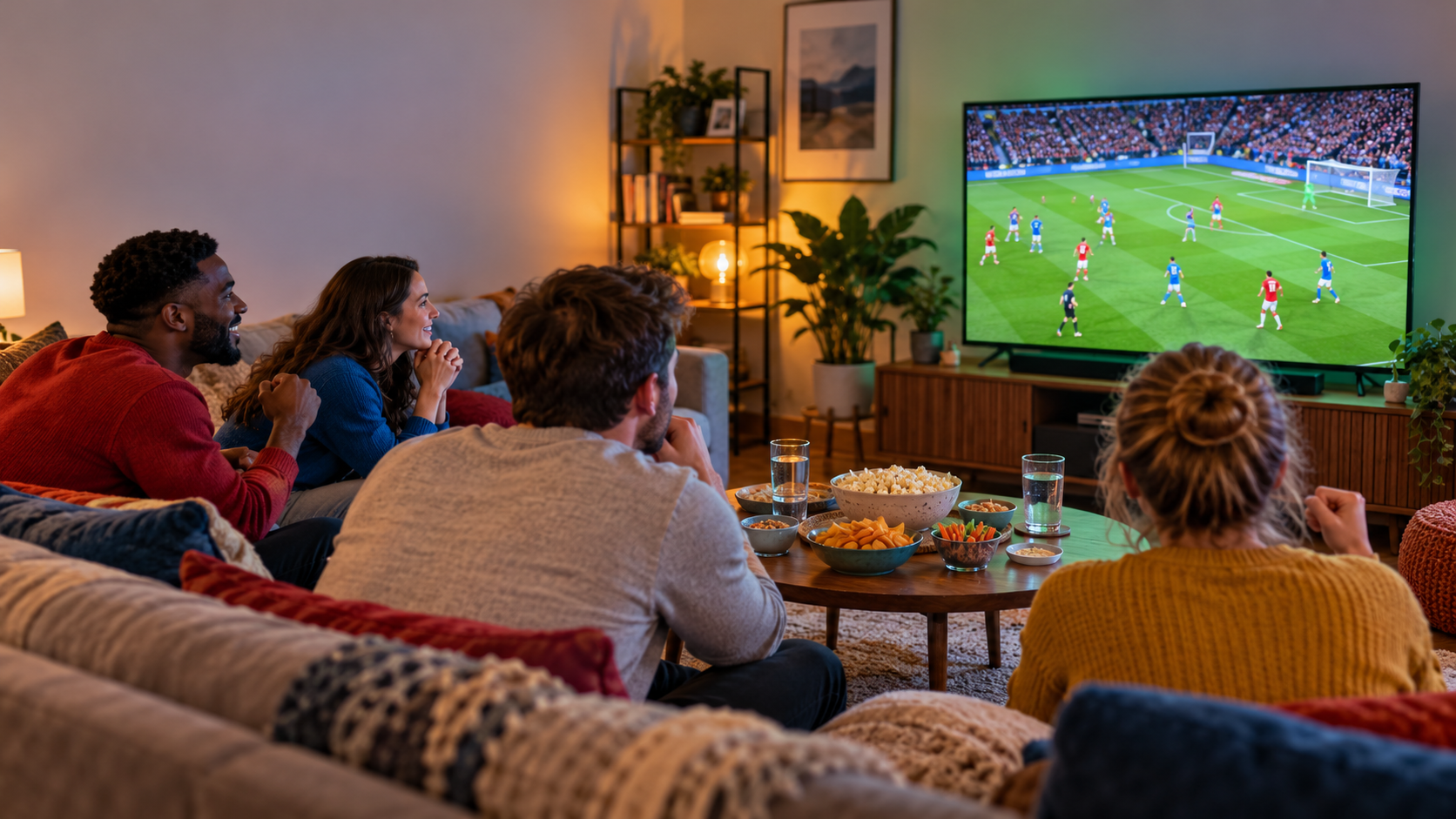
A home football watch party does not need stadium-sized equipment or elaborate decorations. The most successful gatherings are built around a well-chosen match, a stable viewing setup, comfortable sightlines, and a host who has tested everything before guests arrive. Anyone planning to use bóng đá trực tiếp Xoilac as a viewing reference should check the technical setup in advance so that the group can focus on the football rather than troubleshooting.
Contents
Select a Match That Works for the Group
Start with the people rather than the television. Ask whether guests prefer a major rivalry, a match involving a shared team, or simply an entertaining weekend fixture. Check the lịch thi đấu bóng đá anh early enough to compare kickoff times, but verify the selected fixture again closer to the date because broadcast scheduling can change.
Convert the kickoff into the local time zone before sending invitations. Include an arrival time about thirty minutes earlier so guests can settle in without missing the opening minutes. If the match starts late at night, tell everyone when the gathering is expected to finish and keep noise levels appropriate for neighbors.
Test the Viewing Route in Advance
Open the intended viewing page before matchday, confirm that it works on the television or connected device, and learn where the full-screen and audio controls are located. The host should check device compatibility, connection stability, and any applicable access requirements independently.
Run a ten-minute test at roughly the same time of day as the match. Evening network traffic may produce different results from a morning check. Restart the router if necessary, install legitimate device updates beforehand, and pause automatic cloud backups or large downloads during the event.
Arrange Clear Sightlines and Comfortable Audio
Every seat should have an unobstructed view of the whole screen. Sit in each position briefly and check whether furniture, lamps, or other guests could block the lower corners where match information often appears. Avoid placing chairs so close that viewers must continually turn their heads.
Dialogue and crowd noise should be audible without forcing conversation to compete with excessive volume. A soundbar can improve clarity, but it is not essential. Test audio synchronization and place speakers away from anyone who is particularly sensitive to loud sound. Subtitles can help during studio segments when available.
Prepare a Simple Backup Plan
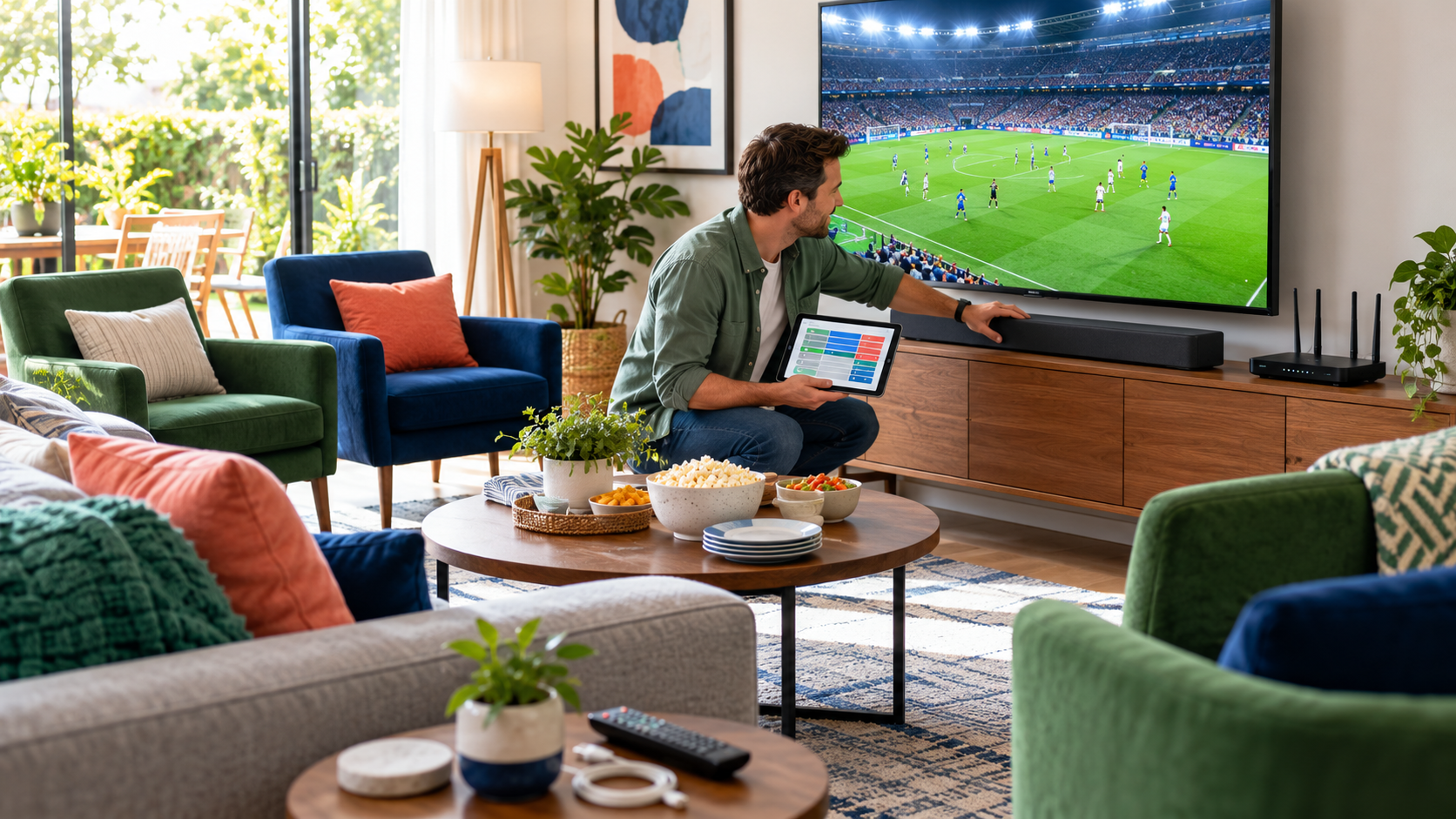
Keep a second compatible device charged and ready. A laptop connected by cable can be useful if the television application fails, while a phone or tablet may provide a temporary alternative during a restart. Know how to switch inputs without searching through menus in front of the group.
A mobile hotspot can help during a brief home-network failure, but live video may consume significant data. Check the plan’s limits before relying on it. The backup should preserve the gathering, not create an unexpected bill or require unfamiliar software from an unverified source.
Keep Food Practical and Inclusive
Choose snacks that can be eaten without blocking the screen or requiring constant kitchen work. Place drinks on stable surfaces away from remotes, cables, and electronic devices. Offer water alongside other beverages and ask about allergies or dietary requirements when inviting guests.
Prepare most items before kickoff and use halftime for anything that needs attention. A clearly marked waste and recycling area reduces cleanup, while napkins and coasters help protect shared furniture. The host should be able to watch the match too rather than serving continuously.
Create a Welcoming Atmosphere
Not every guest will know the competition equally well. Avoid turning basic questions into a test of expertise. A short explanation of the table, rivalry, or tournament format can help new viewers participate without interrupting the match.
Friendly disagreement is part of football culture, but personal insults and aggressive behavior are not. Set a relaxed tone, respect different team loyalties, and ensure that everyone has an easy way to leave when needed. If children attend, keep language, volume, and content appropriate for them.
Use a Final Pre-Kickoff Checklist
Thirty minutes before the match, confirm the fixture status, start the viewing device, test audio, silence unrelated notifications, and place the backup remote nearby. Check that cables do not create a trip hazard and that guests know the Wi-Fi details and bathroom location.
A memorable watch party is rarely defined by the largest screen. It comes from reliable preparation, comfortable hospitality, and a group that can enjoy the match together. When scheduling, technology, seating, and refreshments are handled early, the host can stop troubleshooting and become part of the occasion.