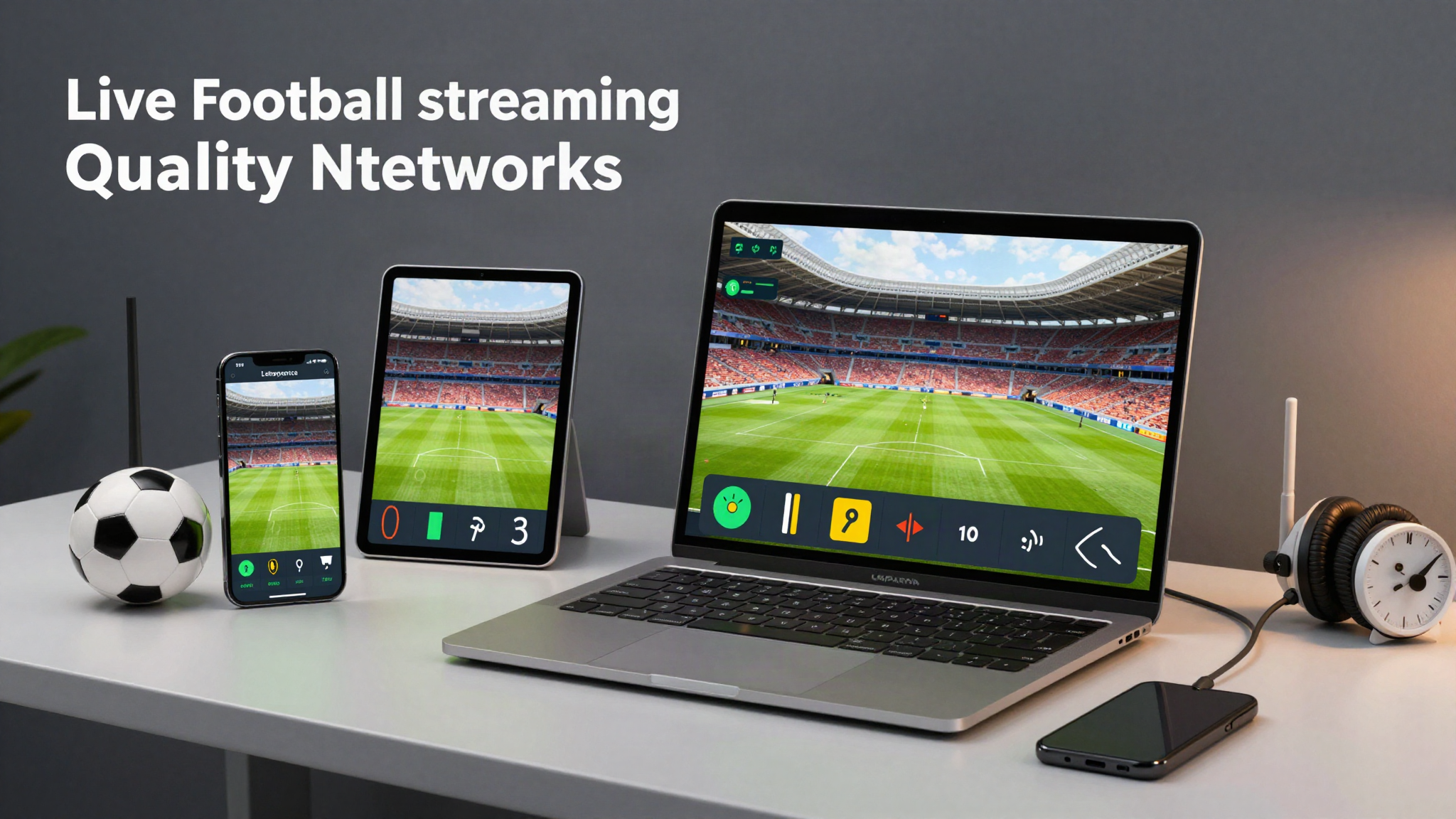
A live football stream on a mobile connection must balance several competing goals: picture clarity, low delay, uninterrupted playback, reasonable data use, and accessible audio. The sharpest image is not always the best experience if it freezes every few seconds. A practical review should therefore test how the player behaves as network conditions change, not merely how it looks at kickoff.
Contents
- Confirm the Source and Playback Controls
- Distinguish Latency From Buffering
- Let Adaptive Quality Do Its Job
- Understand the Cost of Higher Resolution
- Test Recovery After a Connection Drop
- Check Audio Separately From Video
- Look for Captions and Accessible Controls
- Protect the Viewing Session
- Live-Stream Quality Checklist
Confirm the Source and Playback Controls
Before starting, verify that the stream is authorized for the viewer’s location and that the page address matches the intended destination. When opening an entry point labeled Socolive, inspect the player before enabling full screen. Locate play, pause, volume, quality, captions, and return-to-live controls. Avoid unexpected downloads, browser extensions, or permission requests that are unrelated to video playback.
Distinguish Latency From Buffering
Latency is the delay between the event and its appearance on screen. Buffering is a playback interruption caused when the device lacks enough video data. Reducing latency can leave less protection against unstable bandwidth, so the lowest-delay mode may freeze more often. Compare the stream with a reliable live reference, but prioritize continuous viewing if the connection changes frequently.
Let Adaptive Quality Do Its Job
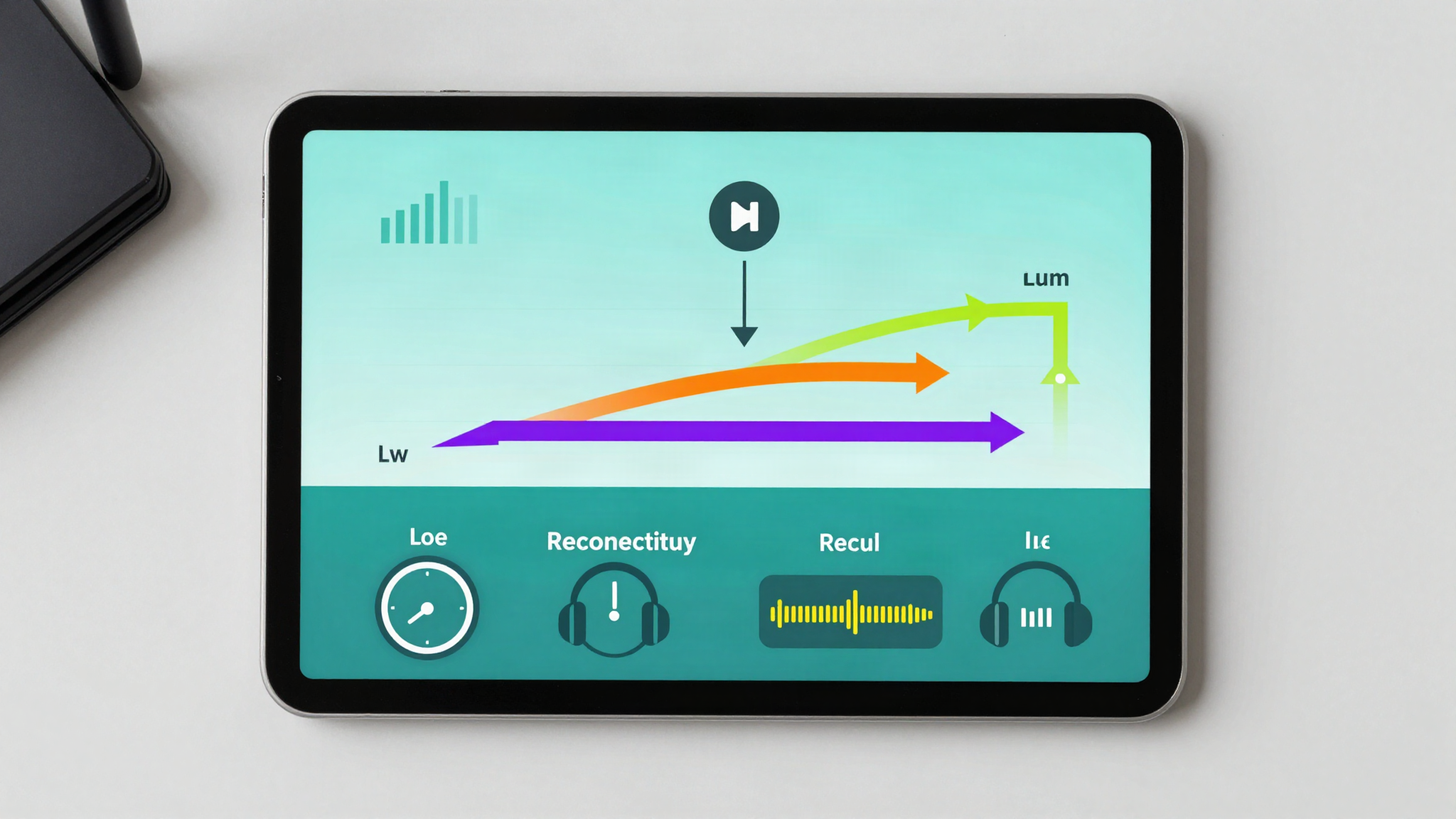
Adaptive bitrate streaming changes video quality to match available bandwidth. A well-behaved player lowers resolution before playback stops, then raises it gradually after the connection improves. Test this by moving between strong Wi-Fi and a weaker mobile signal. The player should not jump repeatedly between quality levels or remain blurry long after bandwidth returns. Manual quality selection should remain available for users who prefer predictable data use.
Understand the Cost of Higher Resolution
Higher resolution and frame rate generally require more data, processing power, and battery. On a small phone screen, the difference between two high settings may be less noticeable than the increase in consumption. Check the device’s data-use dashboard during a short test and select a sustainable level before watching an entire match. Avoid estimating usage from one brief burst because adaptive players change rates throughout the stream.
Test Recovery After a Connection Drop
Disable the connection briefly, then restore it. The player should show a clear offline or reconnecting state rather than a frozen frame that looks live. After recovery, verify whether playback resumes from the interruption or jumps to the current moment. A visible return-to-live control prevents confusion. Repeated taps during reconnection should not open duplicate players or restart the page.
Check Audio Separately From Video
Audio may continue when the picture pauses, or return out of sync after buffering. Listen for commentary that arrives before or after visible action and check whether changing quality repairs synchronization. Headphone and speaker volume should behave consistently. A mute control must remain available in full screen, and switching apps should not cause unexpected audio to continue indefinitely in the background.
Look for Captions and Accessible Controls
A page described as Socolive trực tiếp can be evaluated for keyboard navigation, captions, focus indicators, contrast, and controls that remain large enough on mobile screens. Captions should identify relevant speech without blocking the score area. Buttons need accessible labels rather than unexplained symbols, and the player should respect reduced-motion settings where animated overlays are optional.
Protect the Viewing Session
Close pop-ups that imitate system warnings or claim a special codec is required. Modern browser video normally should not require an unknown installer. Do not grant notification, contact, location, or storage access unless a clear feature needs it. If the page repeatedly redirects, opens new tabs, or prevents exit, stop the session rather than entering account or payment details.
Live-Stream Quality Checklist
- Verify the source and locate every playback control.
- Compare latency without sacrificing stable playback.
- Test automatic and manual quality selection.
- Estimate data use over a representative interval.
- Check recovery after a brief connection loss.
- Confirm audio synchronization and background behavior.
- Inspect captions, contrast, and control accessibility.
- Review unexpected permissions and redirects.
A dependable stream adapts quietly while keeping the viewer informed about its state. Stable playback, safe controls, and graceful recovery matter more than a resolution label alone. Use authorized services, respect local rules and broadcasting rights, and choose settings that match the connection and device rather than forcing maximum quality.