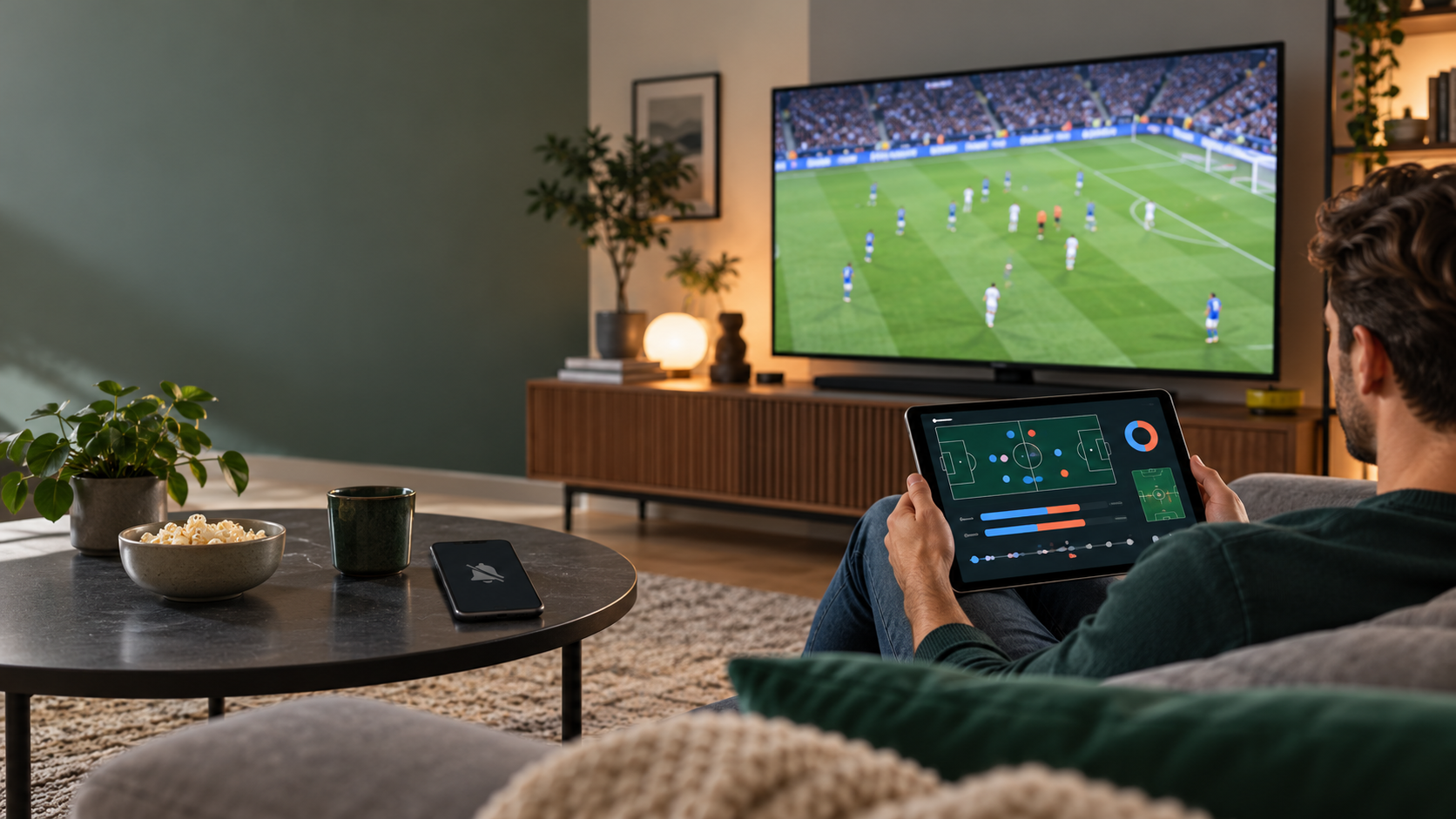
A second screen can make a football match easier to understand, but it can also bury the action beneath alerts, charts, comments, and constantly changing panels. The solution is not to collect every available number. It is to decide which information deserves attention before kickoff and keep everything else optional. When opening a match page through cakhia or another football platform, viewers can create a calmer setup by separating essential match facts from supporting context.
Contents
Give Each Screen One Clear Role
The largest screen should remain dedicated to the match. Avoid covering it with chat windows, notifications, or duplicated statistics. Use a tablet or laptop for the match center, and keep the phone available for communication only when necessary. Assigning one purpose to each device reduces repeated information and makes technical problems easier to isolate.
Place the second screen below or beside the television rather than directly in the central line of sight. Lower its brightness so it does not compete with the pitch. If glancing at the dashboard repeatedly causes missed passes or set pieces, move it farther away or close it until halftime.
Prioritize the Essential Match Layer
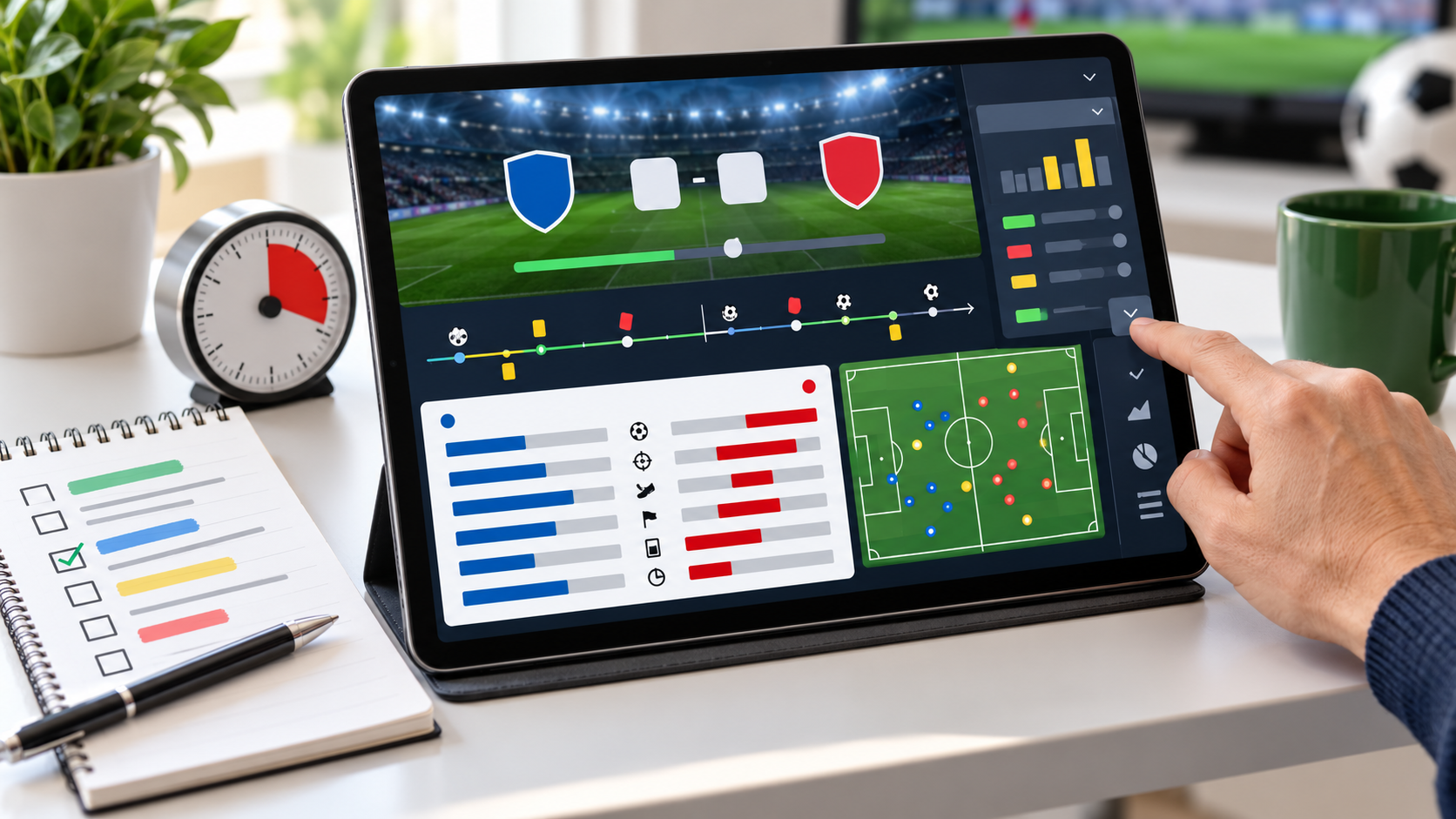
The most useful live information is usually simple: score, match clock, competition, current period, cards, substitutions, and confirmed goals. These elements should be visible without scrolling. Events must include timestamps so viewers can connect them with what happened on the main screen.
Delay can create apparent contradictions. A stream may run several seconds behind a data feed, causing an event notification to arrive before it appears on video. If this becomes distracting, pause event alerts or choose a dashboard that can be synchronized more closely with playback.
Add Statistics Only When They Answer a Question
Possession, shots, passes, and field-position graphics are useful when they clarify a specific observation. For example, a viewer may check whether one team is producing attempts despite controlling less of the ball. Opening every chart at once rarely improves understanding.
Statistics also require context. A high shot count may consist mostly of low-quality attempts, while possession can accumulate harmlessly in defensive areas. Compare numbers with the match state, opponent behavior, and time remaining. A single metric should support an interpretation, not replace watching the game.
Treat Market Data as a Separate Layer
Some match centers include a tỷ lệ kèo section alongside scores and statistics. Keep this panel collapsed unless there is a specific reason to study it. Market movements are not confirmed team news, official probabilities, or guarantees about what will happen next.
Displayed formats may differ, and prices can change because of new information, trading activity, or platform-specific adjustments. Never infer certainty from a short movement or assume that a popular selection is correct. Anyone choosing to interact with wagering products must follow local law, age restrictions, and personal spending limits.
Control Notifications Before Kickoff
Disable promotional alerts, unrelated match updates, social reactions, and repeated score notifications. One event alert is enough; receiving the same goal from several applications creates noise and may reveal action before the video shows it. Use focus mode to allow calls from important contacts while silencing sports applications that are not part of the setup.
Decide whether other match scores belong on the dashboard. They can be valuable during a final round when several results affect the table, but they may also spoil a game intended for delayed viewing. Hide them by default and reveal them deliberately.
Design for Quick Recovery
A useful second screen should recover cleanly after sleep mode, network loss, or rotation. Test whether it returns to the current event or reloads from the beginning. Keep the device charged and avoid placing a cable where people may trip over it.
If the dashboard freezes, continue watching the match instead of refreshing repeatedly. The supporting layer is optional. Reopen it during a natural break and confirm that the score and clock are current before relying on subsequent alerts.
Review the Setup at Halftime
Halftime provides a natural moment to check detailed statistics, tactical maps, and the event timeline. Ask which panels genuinely helped during the first half and close those that did not. This small review prevents the interface from becoming more crowded as substitutions and incidents accumulate.
A good second-screen setup makes the match clearer without demanding constant attention. By prioritizing verified events, using statistics selectively, separating market information, and reducing alerts, viewers can preserve the rhythm of the game while keeping useful context within reach.