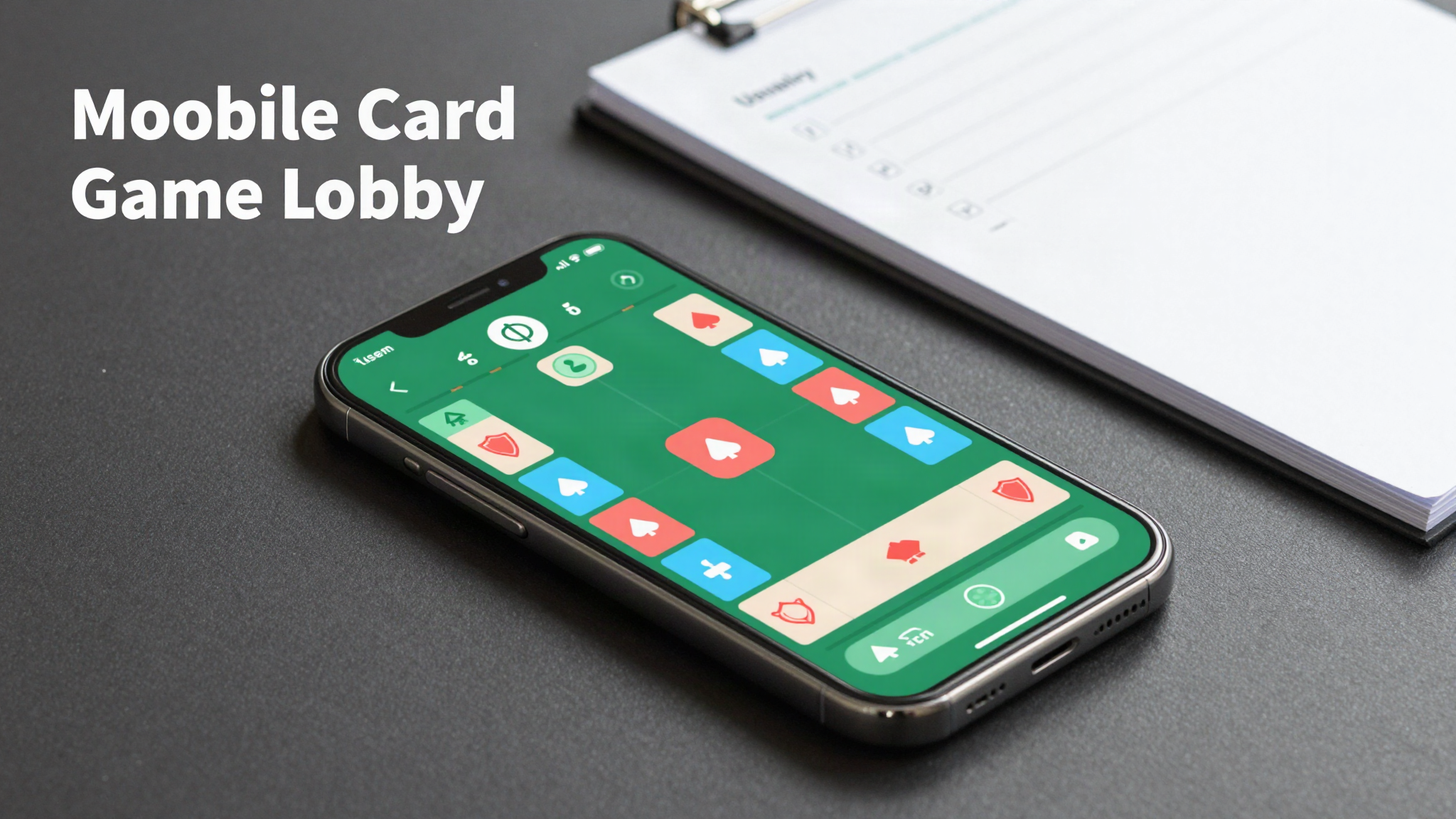
A polished card-game lobby can look convincing within seconds, but visual quality alone says little about how easy the platform is to understand or control. A careful review begins before joining a table. The goal is to determine whether the interface explains the game, communicates live conditions clearly, preserves useful records, and gives players practical ways to manage a session.
Contents
- Begin With Rules, Not Table Animation
- Read the Lobby as a Status Board
- Check Individual Game Pages Separately
- Check Labels Across the Whole Journey
- Look for a Verifiable Round History
- Test the Mobile Experience Under Real Conditions
- Use Session Controls Before They Are Needed
- Run a Short Pre-Session Checklist
Begin With Rules, Not Table Animation
Open the help or rules area before looking at available rooms. It should identify the objective, turn order, card rankings, valid actions, and the conditions that end a round. Any special variation should be separated from standard rules rather than hidden in promotional copy. Good documentation also explains what happens after a disconnect, an inactive turn, or a canceled table. If important conditions remain ambiguous, do not assume the software will resolve them in the way you expect.
Read the Lobby as a Status Board
A useful lobby distinguishes tables that are open, full, in progress, or temporarily unavailable. Player counts, room format, entry conditions, and connection status should be visible before a selection is made. When viewing a platform label such as v79, treat the first visit as an interface audit: check whether navigation is consistent, whether buttons describe their destination, and whether returning from a table restores the same lobby position. These details matter more on a small screen, where accidental taps are common.
Check Individual Game Pages Separately
Do not assume every game inside one platform follows the same layout or information standard. Open the dedicated page for the format you intend to review. A section labeled Game bài v79, for example, should be assessed for its own rules, table filters, round sequence, and controls. Confirm that icons have understandable meanings and that critical actions are not placed too close together. A confirmation step is especially useful for choices that cannot be reversed.
Check Labels Across the Whole Journey
The same action should use the same icon, color, and wording from the lobby to the table and account area. Sudden changes in terminology create avoidable mistakes. Pay attention to back buttons, loading indicators, disabled states, and notices that appear after an action. If a screen refreshes, confirm that the current table and session status are still accurate before touching another control.
Look for a Verifiable Round History
A history panel should provide enough context to reconstruct recent activity without relying on memory. Useful fields include time, table identifier, game type, actions taken, result status, and any interruption notice. Records should remain stable after the session ends. If the interface only displays a brief animation or a final total, take that as a limitation: it becomes harder to check whether the sequence shown on screen matches the stored record.
Test the Mobile Experience Under Real Conditions
Rotate the device, enlarge text, switch briefly between apps, and reconnect to a network. The table should not hide essential controls, duplicate an action, or resume in an unclear state. Verify that sound can be muted independently and that alerts remain visible without audio. Avoid installing files from unexpected pop-ups, and review permissions before granting access to notifications, storage, contacts, or location. A card-game interface rarely needs broad device access.
Use Session Controls Before They Are Needed
Responsible-use tools are most effective when configured in advance. Look for a visible clock, pause option, activity summary, configurable reminders, and a clear exit path. Decide on a time limit before opening a table and stop when the reminder appears. If real money or purchasable credits are involved, set a fixed spending limit that is affordable to lose. Never chase a previous result, borrow funds, or treat a game outcome as income.
Run a Short Pre-Session Checklist
- Confirm the game variation and complete rules.
- Check table status, entry conditions, and player count.
- Locate history, support, privacy, and account controls.
- Test mute, reconnect, and exit behavior.
- Review app permissions and the official access route.
- Set firm time and spending limits in advance.
A strong mobile lobby reduces uncertainty through clear states, predictable navigation, and accessible records. It does not promise favorable results. Treat every card game as entertainment, verify that participation is legal and age-appropriate in your location, and leave immediately if the interface makes important rules or controls difficult to find.