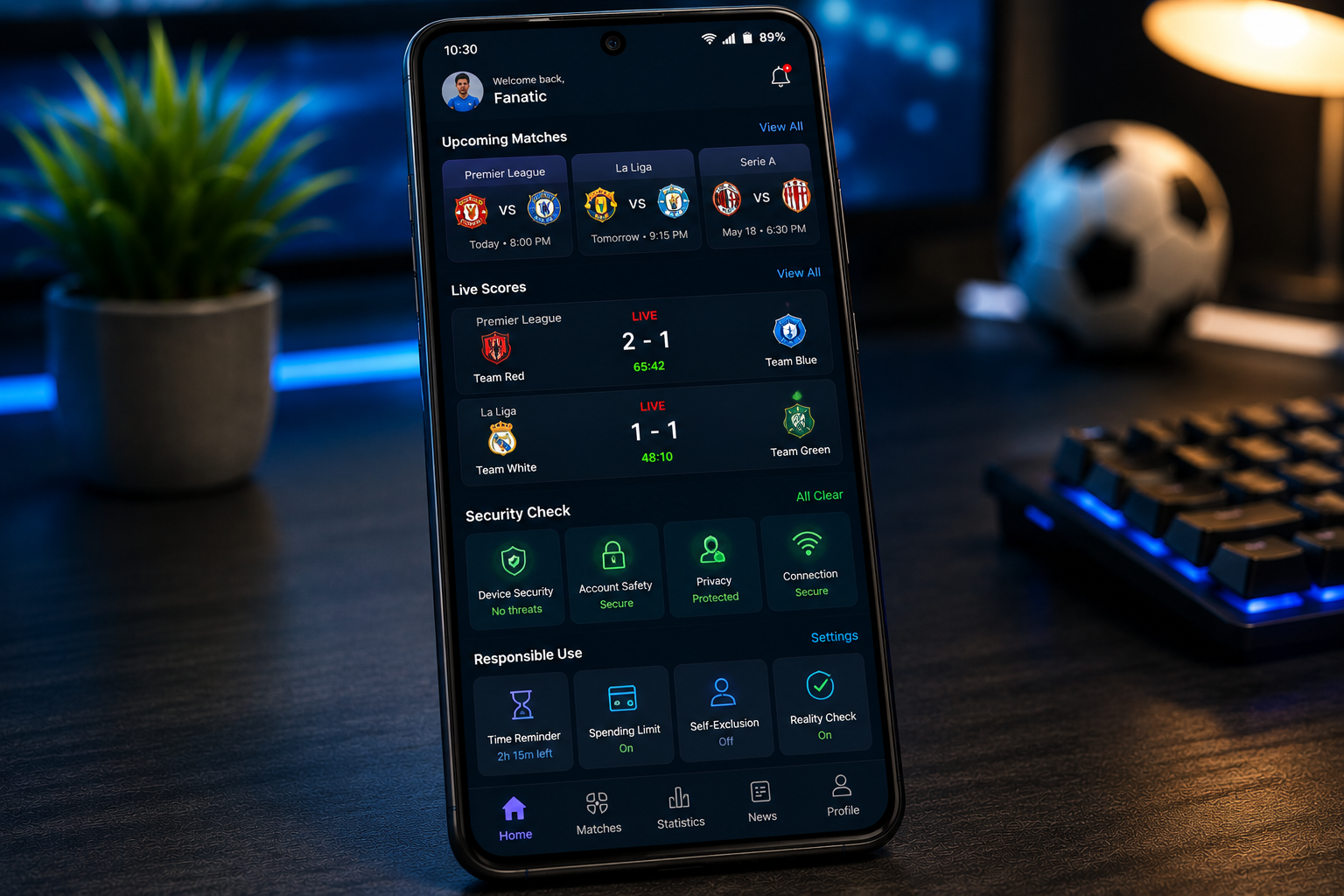
Regional settings influence more than the words displayed by a mobile gaming platform. They can affect timestamps, decimal separators, currency symbols, promotional deadlines, transaction records, and support availability. An incorrect setting may make an accurate account entry look confusing or cause a user to misread an important condition.
Someone opening sunwin should review language, region, and time preferences before using account features. Automatic detection can be convenient, but it may rely on the browser, network location, or device settings and therefore select an unexpected region.
Contents
- Choose the Language Manually
- Confirm the Account Time Zone
- Understand Date Formats
- Check Decimal and Thousands Separators
- Select the Correct Currency
- Distinguish Display Currency From Settlement Currency
- Review Regional Payment Availability
- Adjust Notification Times
- Check Daylight-Saving Changes
- Keep Screenshots With Context
- Recheck Settings After Updates or Travel
- Use Regional Accuracy to Maintain Control
Choose the Language Manually
Select the language from the platform’s own settings rather than depending entirely on automatic browser translation. Built-in translations are more likely to preserve button labels, game terminology, and policy meanings consistently.
Machine translation can alter abbreviations or leave important sections untranslated. When financial or identity terms are unclear, compare the original wording and ask verified support for clarification before proceeding.
Confirm the Account Time Zone
A platform may display local device time, server time, or a manually selected zone. Check which one applies to game histories, verification messages, promotional deadlines, and transactions.
Record the time zone when documenting a disputed entry. Two services can show different dates for the same event when it occurs near midnight, even though their underlying timestamps match.
Understand Date Formats
A date written as 04/05 can mean April 5 or May 4 depending on the regional convention. Platforms should use an unambiguous format or display the month in words when deadlines are important.
Check the year as well as the day and month. Archived promotions and old announcements can remain visible in search results, making an expired date appear current at first glance.
Check Decimal and Thousands Separators
Some regions use a period for decimals and a comma for thousands, while others reverse those symbols. A number such as 1.500 can therefore be interpreted very differently depending on the selected locale.
Before confirming a transaction, examine the currency, amount, and final summary together. Do not rely on the visual size of the number or assume the punctuation follows the phone’s usual convention.
Select the Correct Currency
The account currency may be fixed at registration or chosen during the first transaction. Changing it later can be restricted or impossible. Review available options and confirm whether the platform or payment provider performs conversion.
Currency conversion can introduce exchange-rate differences and fees. The confirmation screen should show the submitted amount, applied currency, charge, and expected net account credit.
Distinguish Display Currency From Settlement Currency
A website can display approximate values in a familiar currency while settling transactions in another. Approximate conversions may change with exchange rates and should not be treated as final amounts.
Users visiting https://sunwin.abogado/ should inspect the wallet and transaction terms to determine which currency controls balances, limits, and withdrawals. The official ledger should identify the currency on every entry.
Review Regional Payment Availability
Payment methods differ by country, bank, and account status. A method appearing in the interface may still have regional restrictions, processing schedules, identity requirements, or fees.
Never use another person’s location or payment information to bypass a restriction. Mismatched ownership details can delay verification and may violate platform rules or local law.
Adjust Notification Times
Promotional alerts and session reminders can arrive at inconvenient hours when the platform uses a different time zone. Configure notification schedules through both the account and Android settings.
Security and transaction alerts should remain available when possible, while routine promotional messages can be silenced. Hide sensitive notification content on the lock screen.
Check Daylight-Saving Changes
Some countries adjust clocks seasonally while others do not. A familiar time difference can therefore change during part of the year. Automatic device settings usually manage this correctly, but a fixed manual offset may not.
Recheck scheduled maintenance, support hours, and deadlines after a clock change. The authoritative time zone should be stated explicitly rather than inferred from a countdown alone.
Keep Screenshots With Context
If recording an account issue, capture the amount, currency, timestamp, time zone, and transaction reference. A cropped number without those details may be difficult for support to interpret.
Hide usernames, payment credentials, and verification codes before sharing an image. Contact support through a verified channel and never disclose a password during the investigation.
Recheck Settings After Updates or Travel
Application updates, cleared browser data, VPN use, roaming, and international travel can alter automatically detected preferences. Review the account after any major environmental change.
Do not change the registered region merely to access unavailable features. Platform availability and paid gaming must comply with local laws and minimum-age requirements wherever the user is located.
Use Regional Accuracy to Maintain Control
Correct language, currency, and time settings make account records easier to understand, but they do not reduce the uncertainty of paid games. Set a fixed entertainment budget and assess spending in one consistent currency.
Never use essential or borrowed funds, and do not chase losses. Accurate regional configuration helps prevent reading errors and missed deadlines while keeping the account history clear enough for responsible review.