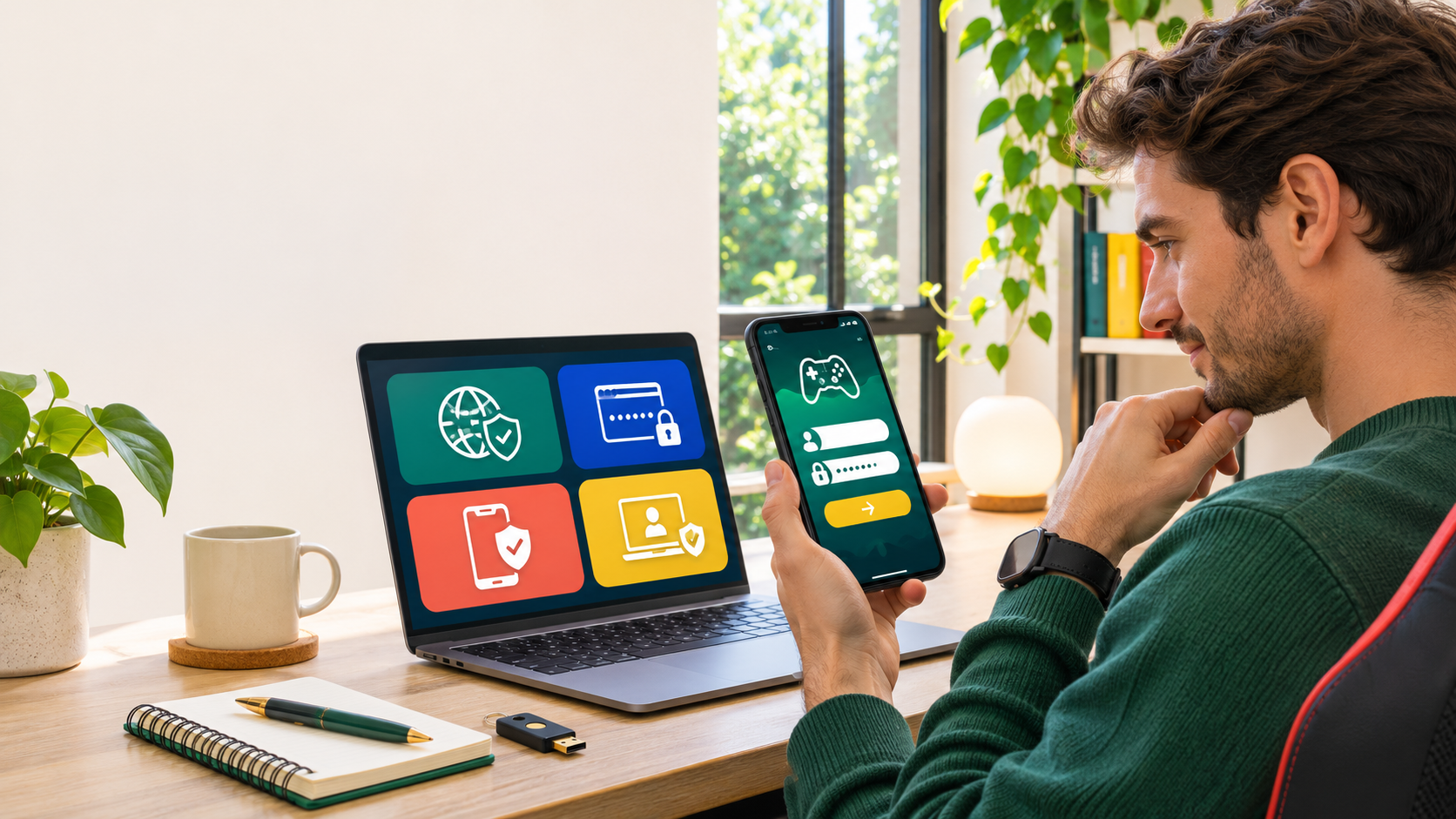
A login page is one of the most sensitive parts of any online gaming service. A convincing copy can capture passwords, recovery details, and one-time codes before the user notices anything unusual. Before opening an account associated with B33 or another platform, users should create a repeatable login routine that verifies the address, protects credentials, and limits the damage of a stolen session.
Contents
Reach the Login Page Deliberately
Use a saved bookmark or type the known domain instead of following a link from a message, advertisement, or group chat. Inspect the complete address for substituted letters, extra words, unexpected subdomains, and unusual endings. A secure connection symbol does not prove that the operator behind a page is legitimate; phishing sites can also use encryption.
When visiting a page for đăng nhập b33, compare the address with the previously verified domain before entering anything. Stop if the page redirects repeatedly, opens a different domain, downloads a file, or requests notification access without a clear reason.
Use a Unique Stored Password
Create a long password that is not reused for email, banking, social media, or another gaming account. Reuse allows one leaked service to expose several unrelated accounts. A reputable password manager can generate and store a different credential for every site.
Password managers also provide a useful phishing warning. If the manager normally fills the credential but refuses on a lookalike page, check the domain rather than copying the password manually. Never save passwords in a shared browser profile or an unprotected notes application.
Enable a Strong Second Step
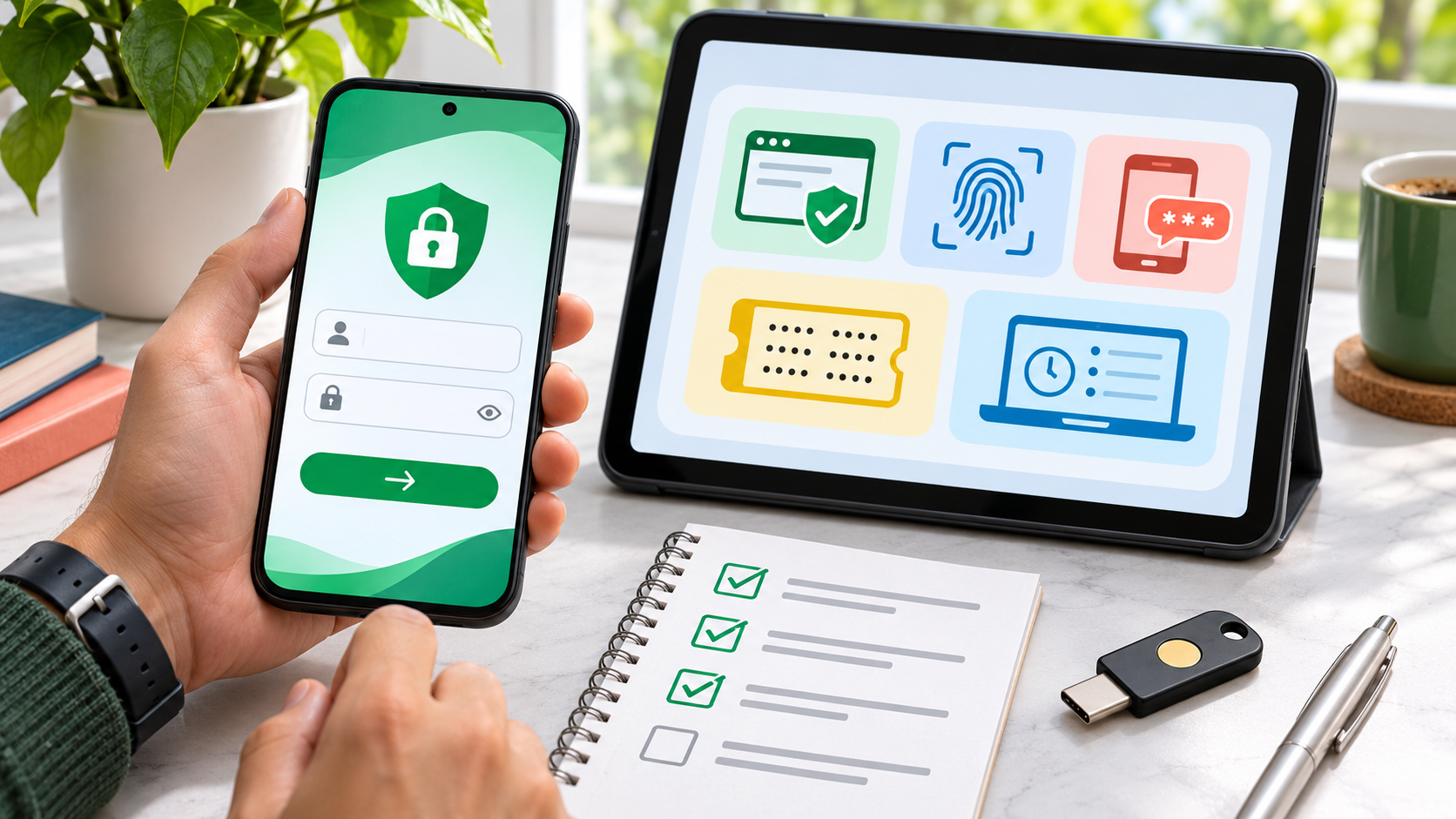
Turn on multi-factor authentication when the service provides it. An authenticator application or passkey generally offers stronger protection than a password alone. Store recovery codes somewhere separate from the device used to log in.
A one-time code should be entered only into the verified login flow. Support staff should not ask users to read a code over a call or send it through chat. An unexpected authentication prompt may indicate that someone else already knows the password, so reject it and change the credential.
Avoid Logging In on Untrusted Devices
Public computers, borrowed phones, and shared tablets may retain browser data or contain monitoring software. Use a personal device whenever account or payment information is involved. If a shared device is unavoidable, do not allow the browser to save the password and sign out completely afterward.
Public Wi-Fi can also expose users to misleading connection pages and fake support prompts. Prefer a trusted home network or normal mobile connection. Never install an unfamiliar certificate, profile, remote-access tool, or browser extension merely to reach an account.
Review Active Sessions
Check the account’s device or session history periodically. Remove entries associated with devices that are no longer used and investigate unfamiliar locations or login times. Remember that location estimates can be imprecise, especially on mobile networks, so combine them with device type and timing.
Use “sign out everywhere” after losing a device, sharing a password accidentally, or responding to a suspicious page. Changing the password without ending existing sessions may leave an unauthorized browser connected.
Protect Recovery Channels
The email account connected to the gaming profile often controls password resets. Secure it with a unique password and multi-factor authentication as well. Confirm that recovery phone numbers and email addresses remain current.
Do not send identity documents through unofficial messaging accounts. If verification is required, inspect the privacy information, upload route, and support domain first. Share only the information necessary for the documented process and keep a record of the request.
Respond Quickly to Warning Signs
Unexpected password-reset emails, new-device alerts, changed account details, or unexplained activity require immediate attention. Open the service through a trusted bookmark, end other sessions, change the password, and review authentication settings. Then secure the connected email account.
Contact support through a channel published on the verified website rather than replying to the suspicious message. Capture relevant timestamps and alerts without exposing passwords, one-time codes, or full financial details.
End Each Session Cleanly
On a personal phone, a persistent session may be convenient if the device has a strong screen lock. On a shared or temporary device, use the visible sign-out control, close the browser, and remove downloaded files. Do not assume that closing one tab ends the session.
A secure login routine takes only a few extra moments: confirm the domain, use a unique stored password, complete a trusted second factor, review active sessions, and protect recovery channels. Those steps are far easier than recovering an account after credentials or an authenticated session have been stolen.