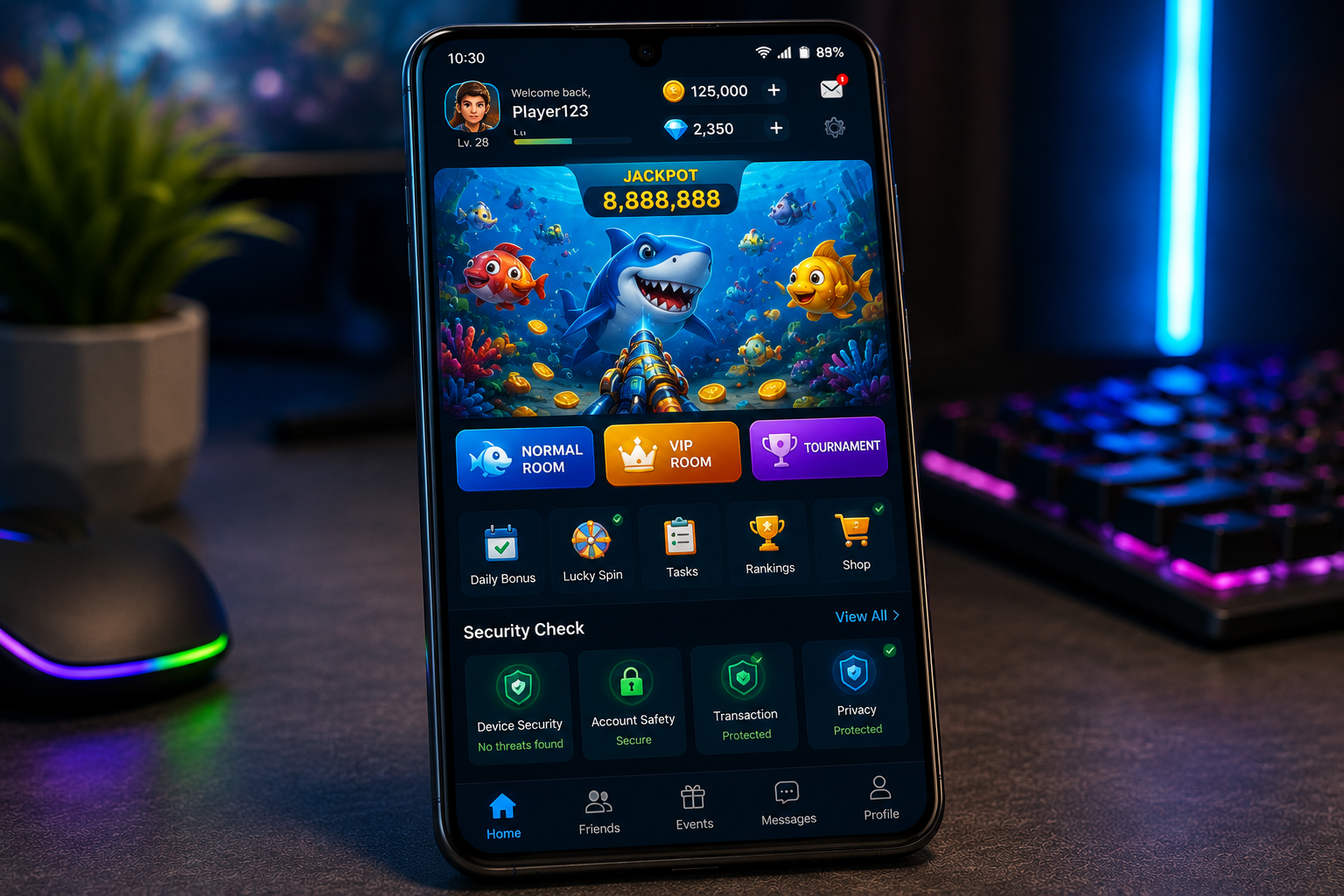
Creating a mobile gaming account may take only a few minutes, but the information submitted during registration can remain connected to the profile for years. Email addresses, phone numbers, device data, identity records, and communication preferences all deserve attention before the final confirmation button is pressed.
A new visitor considering QS88 should first verify the complete domain and inspect the platform’s account, privacy, and legal information. Registration should begin only after the operator, access conditions, and local availability are reasonably clear.
Contents
- Confirm That Registration Is Permitted
- Read the Terms Before Creating Credentials
- Use a Dedicated Email Address
- Create a Truly Unique Password
- Minimize Optional Personal Information
- Review Marketing Consent Separately
- Complete Registration Through the Verified Page
- Handle Verification Codes Privately
- Understand Identity Verification
- Configure Security Immediately
- Establish Limits Before Using Paid Features
- Know How to Close the Account
Confirm That Registration Is Permitted
Gaming laws and minimum-age requirements differ between locations. Access to a website does not prove that its services are legally available to every visitor. Check applicable local rules and any geographic restrictions published by the platform.
Do not enter a false birth date or location to bypass a restriction. Incorrect profile information can cause verification problems later and may violate the account terms.
Read the Terms Before Creating Credentials
Review the rules covering account ownership, inactivity, duplicate profiles, payments, withdrawals, identity checks, disputes, and closure. Users should know whether one person, household, device, or payment method can be connected to more than one account.
Save a dated copy or screenshot of important policies without including personal information. Terms can change, and a clear record helps users understand which conditions were presented during registration.
Use a Dedicated Email Address
A separate email account can keep gaming messages away from work, banking, and personal correspondence. It also limits the amount of information exposed if the gaming account experiences a security incident.
Protect that inbox with a unique password and additional verification. Email security is crucial because password-reset links and account notices are commonly delivered there.
Create a Truly Unique Password
Do not modify an old password by adding one number or symbol. Use a password manager to generate a long, random credential that is not shared with any other platform.
A unique password contains the damage if one service is breached. Saving it in a reputable password manager is safer than storing it in screenshots, unprotected notes, or a message sent to oneself.
Minimize Optional Personal Information
Registration forms sometimes contain fields that are not required for account operation. Leave optional details blank unless they provide a clear benefit. A public username should not reveal a real name, birth year, phone number, workplace, or social-media identity.
The privacy policy should explain what information is collected, why it is needed, who receives it, and how long it is retained. Vague explanations deserve caution, particularly when sensitive data is involved.
Review Marketing Consent Separately
Promotional email, text messages, push notifications, and personalized advertising should be controlled independently. Watch for preselected boxes that grant broader consent than necessary.
Security and transaction alerts can usually remain enabled while marketing messages are disabled. Registration should not require users to accept unrelated advertising merely to maintain essential account communication.
Complete Registration Through the Verified Page
Anyone preparing to Đăng ký QS88 should open the known address directly instead of following a registration link from an unsolicited message. Check the destination again after any redirect and stop if the browser displays a certificate warning.
Do not install browser extensions, Android packages, remote-access tools, or configuration profiles simply to create an account. A standard web registration process should work without broad control over the device.
Handle Verification Codes Privately
A one-time code confirms control of an email address or phone number. Enter it only on the verified registration page and never disclose it to someone claiming to be customer support.
If several codes are requested, use only the newest one. Unexpected codes can indicate that another person is attempting to register or access an account using the user’s contact information.
Understand Identity Verification
Some platforms require identity documents to confirm age, ownership, or payment eligibility. The process should explain which documents are accepted, how files are secured, and how long copies are retained.
Upload documents only through an authenticated encrypted portal. Do not send them to a personal messaging account or unknown email address. Where permitted, conceal information unrelated to the stated verification purpose.
Configure Security Immediately
After registration, enable additional authentication, review active sessions, and verify recovery details. Sign out and log back in once to confirm that the saved credentials and verification method work correctly.
Hide sensitive lock-screen notifications and remove unfamiliar devices promptly. Support representatives should never request the password, an active verification code, or remote control of the phone.
Establish Limits Before Using Paid Features
Where paid gaming is legal, set deposit, spending, and session limits before the first transaction. Read processing periods, fees, withdrawal conditions, and promotional restrictions without relying on headline claims.
Use only a predetermined entertainment budget. Essential or borrowed funds should never be involved, and spending must not be increased to recover a loss. Registration creates access to a service; it does not make uncertain outcomes predictable.
Know How to Close the Account
Uninstalling an application or deleting a bookmark does not normally erase an online profile. Locate the account-closure and data-request procedures while access is working normally.
A responsible registration decision considers the entire account lifecycle, including recovery, security, privacy, limits, and deletion. Taking time at the beginning makes it easier to retain control of both personal information and future activity.