
Creating an account on a mobile gaming platform can involve more personal data than users expect. An email address may be followed by a phone number, identity document, payment record, device fingerprint, location signal, and support history. A privacy-first review asks why each item is needed, how it is protected, how long it is retained, and how the user can correct or delete it. These questions should be answered before sensitive information is uploaded, not after an account problem occurs.
Contents
- Start With Data Minimization
- Inspect the Registration Page Carefully
- Protect Identity Documents During Verification
- Use Unique Credentials and Strong Authentication
- Review Active Devices and Sessions
- Test Recovery Before It Becomes Urgent
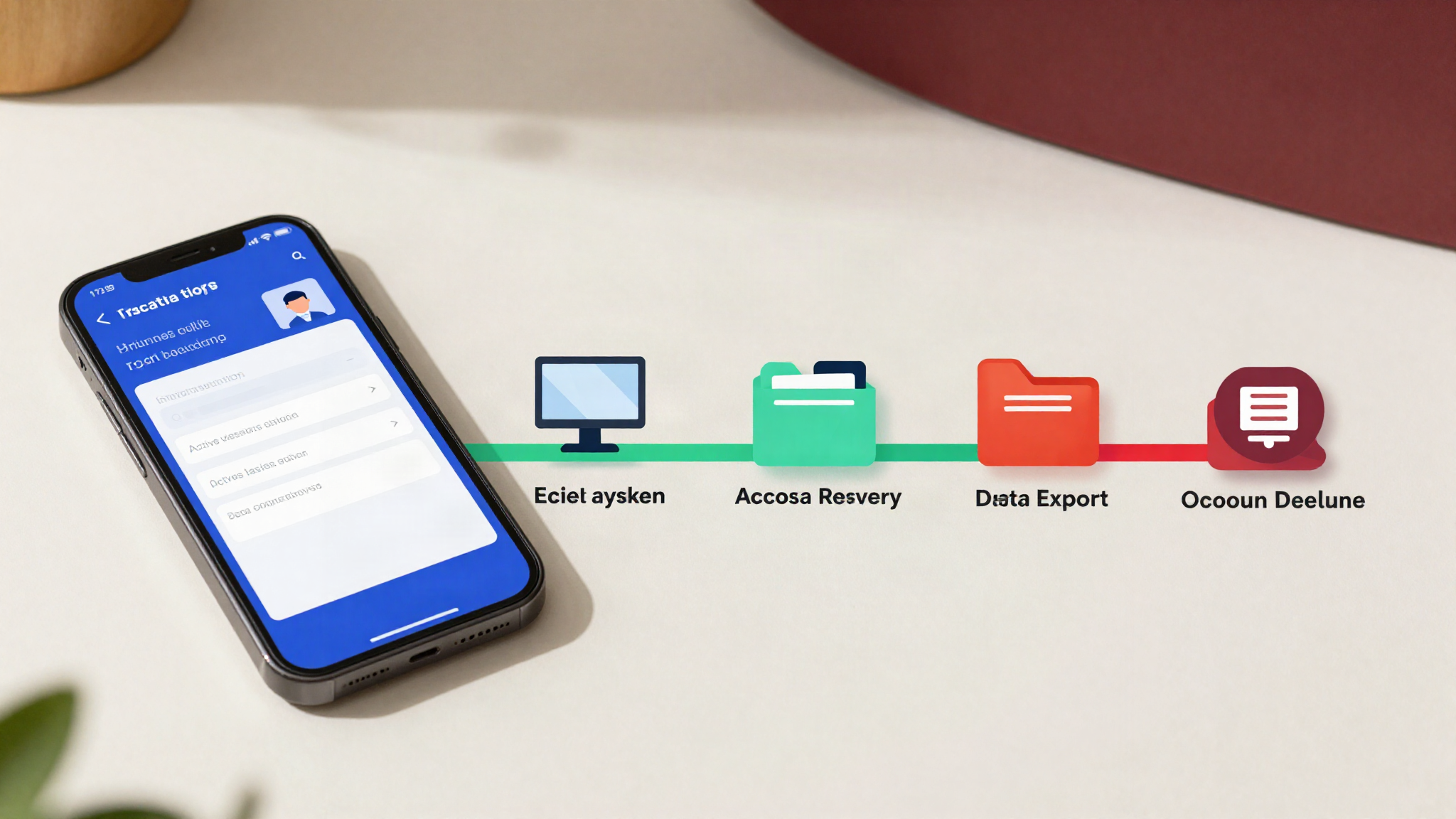
- Understand Export, Closure, and Retention
- Use an Account Privacy Checklist
Start With Data Minimization
A registration form should collect only the information necessary for the stated service and legal requirements. Optional marketing fields need to be clearly separated from mandatory fields. Avoid entering extra biographical details simply because a blank box appears. Read the privacy notice for explanations of collection purpose, sharing, retention, and international transfer. Vague statements such as “service improvement” should not replace a concrete description of how sensitive data is used.
Inspect the Registration Page Carefully
When reviewing a site described as nhà cái jd88, confirm the complete domain before entering an email address, password, or phone number. Check whether registration opens on another domain and whether that change is explained. HTTPS encrypts the connection but does not independently prove legitimacy or licensing. Users should verify legal availability and operator information through appropriate sources in their own jurisdiction before creating an account.
Protect Identity Documents During Verification
Identity verification may be required by law or platform policy, but the upload process should explain which document is accepted and why it is needed. Use a secure in-platform form rather than sending documents through informal chat. Cover information that the instructions explicitly say is unnecessary, where permitted. Never provide a document to an agent who also requests a password, authentication code, remote screen access, or an unexplained additional payment.
Use Unique Credentials and Strong Authentication
An account associated with JD88 should use a password that is not shared with email, banking, or social-media services. A password manager can generate and store a long unique credential. Enable an additional authentication factor when available, preferably through an authenticator or security key rather than easily redirected messages. Store recovery codes offline and never send them to someone claiming to confirm account ownership.
Review Active Devices and Sessions
A useful account dashboard lists recent devices, approximate locations, login times, and active sessions. Remove anything unfamiliar and sign out of old devices that are no longer used. If the platform offers a “sign out everywhere” control, understand whether it also ends the current session. After detecting unknown access, secure the connected email account first, change the gaming password from a clean device, and then review payment and withdrawal records.
Test Recovery Before It Becomes Urgent
Account recovery should rely on previously verified channels and provide a clear record of the request. Check that reset links expire and that a successful password change invalidates older sessions. Security questions based on public information provide weak protection. Support staff should never ask for the old password or a full authentication code. If recovery depends entirely on an inaccessible phone number, update the account while normal access is still available.
Understand Export, Closure, and Retention
A privacy-respecting service explains how users can download account records, correct inaccurate information, close an account, and request deletion where the law permits. Closure and deletion are not always identical because financial or regulatory records may require retention. The policy should name relevant periods or criteria rather than promising instant erasure. Before closing, save necessary transaction records and confirm whether remaining balances, pending disputes, or self-exclusion settings require separate action.
Use an Account Privacy Checklist
- Verify the domain and legal availability before registering.
- Provide only information required for a documented purpose.
- Use unique credentials and enable additional authentication.
- Review active sessions, recovery channels, and notification settings.
- Learn the export, closure, deletion, and retention process.
Privacy controls do not remove the financial risks of chance-based gaming. Adults choosing to participate where legal should set firm time and spending limits, avoid borrowed money, and never chase losses. A good account system gives users meaningful control from registration through closure: clear data requests, protected verification, visible sessions, dependable recovery, and an exit process that does not hide behind promotional friction.