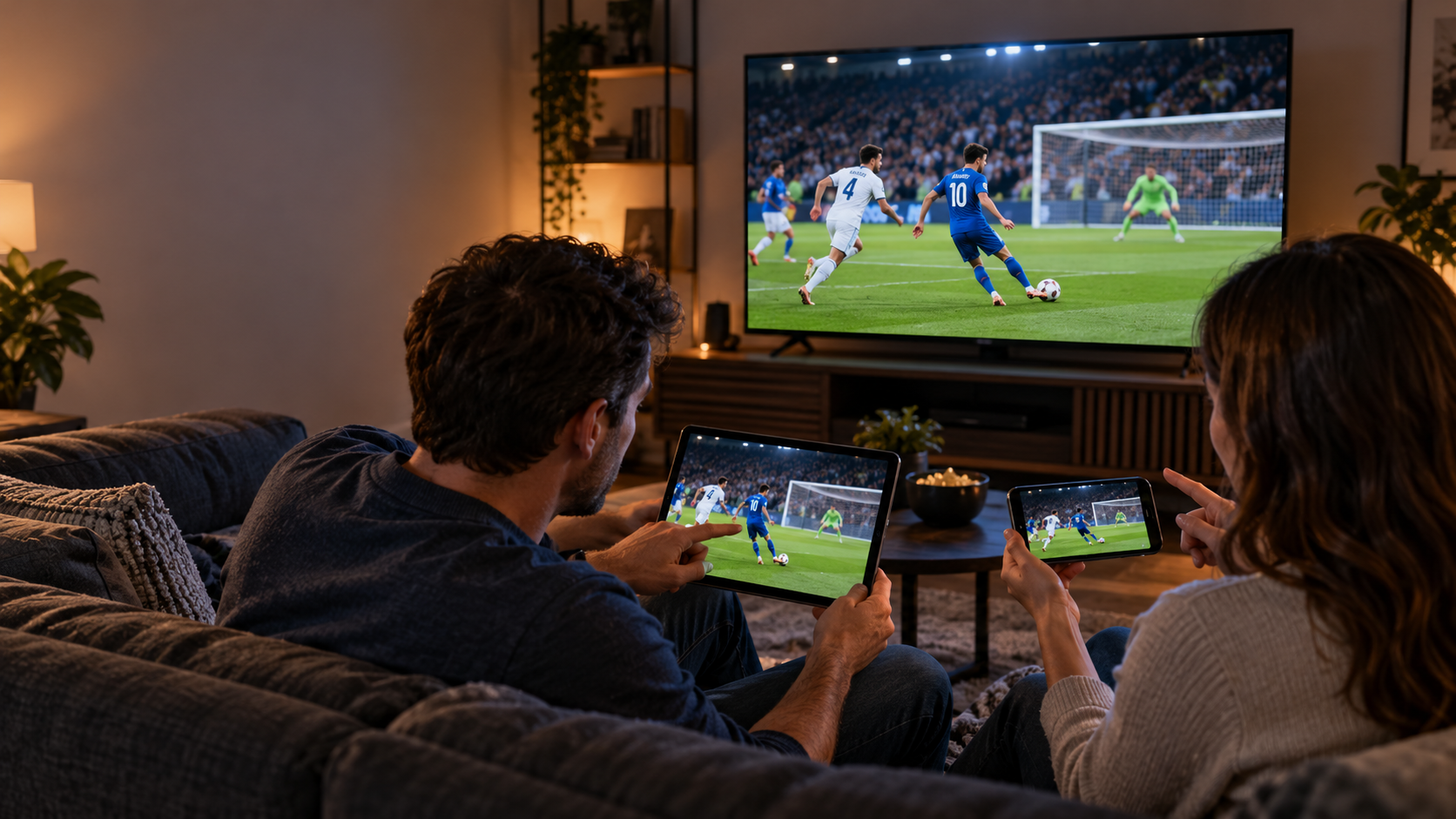
Watching football on more than one screen is common, but a stream that looks smooth on a television may behave very differently on a phone or laptop. Screen size, browser support, Wi-Fi strength, processor load, and video settings all affect the result. A useful review should therefore test the entire viewing journey instead of judging a platform from one short clip. When assessing SutbongTV, viewers can use a simple cross-device routine to distinguish a temporary network problem from a limitation in the player itself.
Contents
Begin With a Controlled Test
Choose one live match and open it on two devices connected to the same network. Start with a laptop and a phone, then add a smart television or tablet if available. Keep other downloads paused and note the time at which the test begins. This creates a fair baseline. If one device is several seconds behind while the others remain aligned, the cause may be its browser, operating system, or decoding performance rather than the internet connection.
Repeat the test on mobile data for a few minutes, but monitor usage carefully. A stable stream over Wi-Fi and an unstable one over cellular data can indicate weak coverage or aggressive data-saving settings. Conversely, repeated buffering on every connection suggests that the issue may sit farther upstream.
Compare Picture Quality Honestly
Resolution alone does not define a good football stream. Fast camera pans expose motion blur, compression blocks, and dropped frames more clearly than a static studio shot. Watch the ball during a long pass and inspect the players when the camera moves across the pitch. Grass texture should remain reasonably consistent, and shirt colors should not dissolve into large digital patches.
If manual quality controls are available, test at least two levels. A lower setting should reduce bandwidth demand without making the score area unreadable. An automatic mode should recover after a brief connection slowdown instead of remaining permanently blurry. The most practical player is not always the one that starts at the highest resolution; it is the one that changes quality without freezing the match.
Measure Delay and Recovery
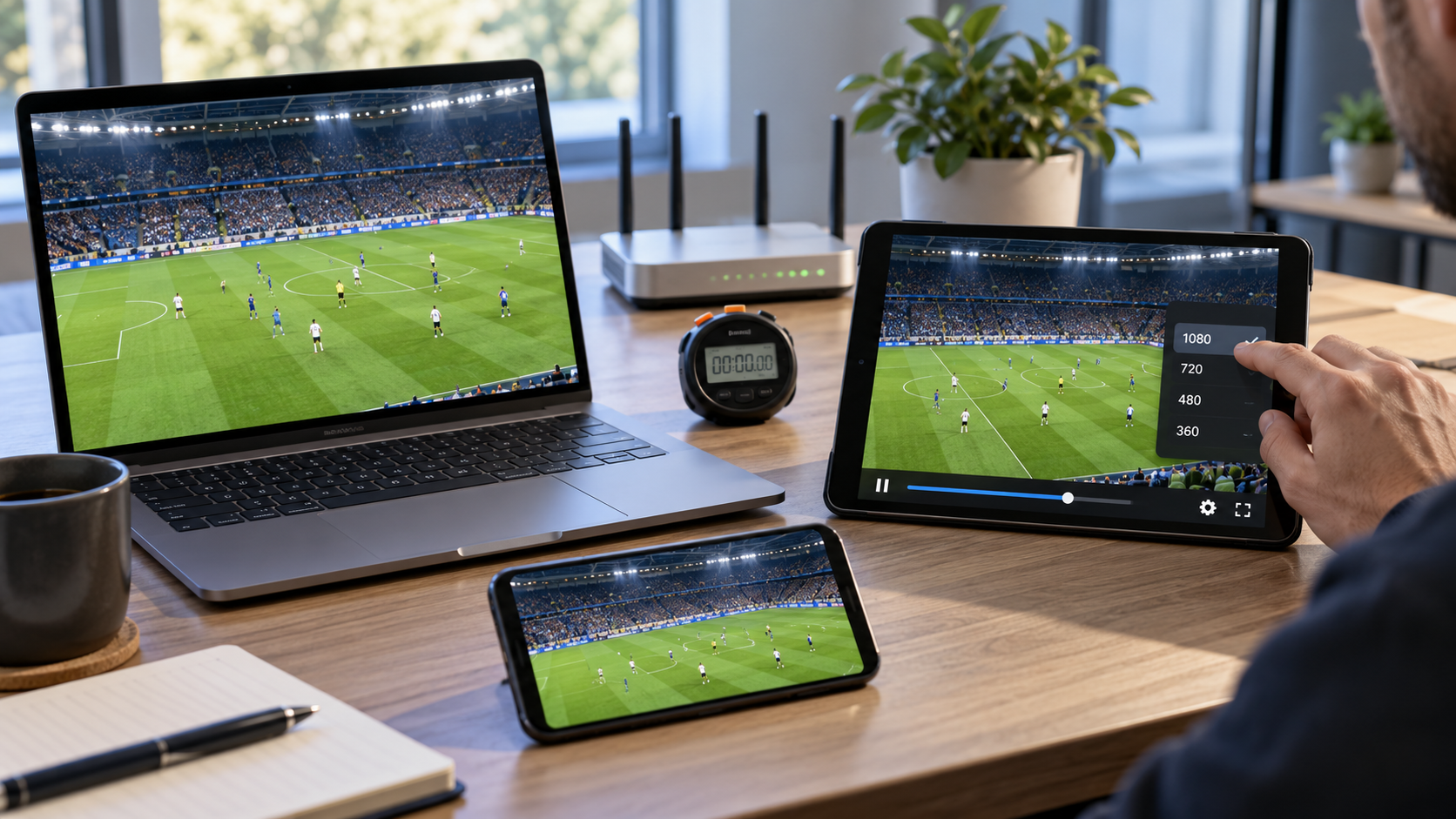
Live-stream delay matters when notifications, group chats, or nearby televisions can reveal a goal early. Place two devices side by side and listen for the referee’s whistle or crowd reaction. A small difference is normal because each player maintains a buffer, but a delay that continually grows may indicate poor synchronization.
Next, switch Wi-Fi off for five seconds and reconnect it. Record whether playback resumes automatically, returns to the live point, or continues from an old buffered position. This recovery test is especially useful for anyone using SutbongTV truc tiep while travelling between rooms or moving through areas with uneven reception.
Check Controls, Audio, and Screen Behavior
A football player should remain easy to operate in both portrait and landscape orientations. Verify that full-screen mode opens and closes correctly, the volume control responds, and the video does not hide essential browser navigation. On a phone, rotate the device several times and check whether playback continues without restarting.
Audio deserves a separate check. Commentary should stay synchronized with tackles, whistles, and crowd reactions. Test with speakers and headphones because Bluetooth devices may add their own delay. If several audio tracks exist, switching between them should not force the whole stream to reload.
Review Safety and Resource Use
Performance is only one part of a responsible assessment. Check whether the page requests permissions unrelated to video playback, such as access to contacts, location, or notifications. Avoid installing unfamiliar files or browser extensions merely to view a match. A standard web player should work without unusual device privileges.
During a longer test, watch battery temperature, memory use, and mobile data consumption. Excessive heat or rapid battery drain may indicate inefficient decoding or too many background elements. Closing unused tabs and disabling picture-in-picture can help determine whether the page or the device is responsible.
Create a Repeatable Scorecard
Finish by recording five categories: startup time, stability, visual clarity, audio synchronization, and recovery after interruption. Score each category on the same devices and connections. Add brief notes rather than relying on a single overall impression. Testing at different times is also valuable because evening traffic can produce results that do not appear during quieter hours.
A structured comparison turns a vague opinion into useful evidence. It also prevents one strong or weak moment from defining the whole service. The best viewing setup is the combination of device, connection, and quality setting that remains predictable throughout a full match, not simply the option that looks sharpest for the first minute.