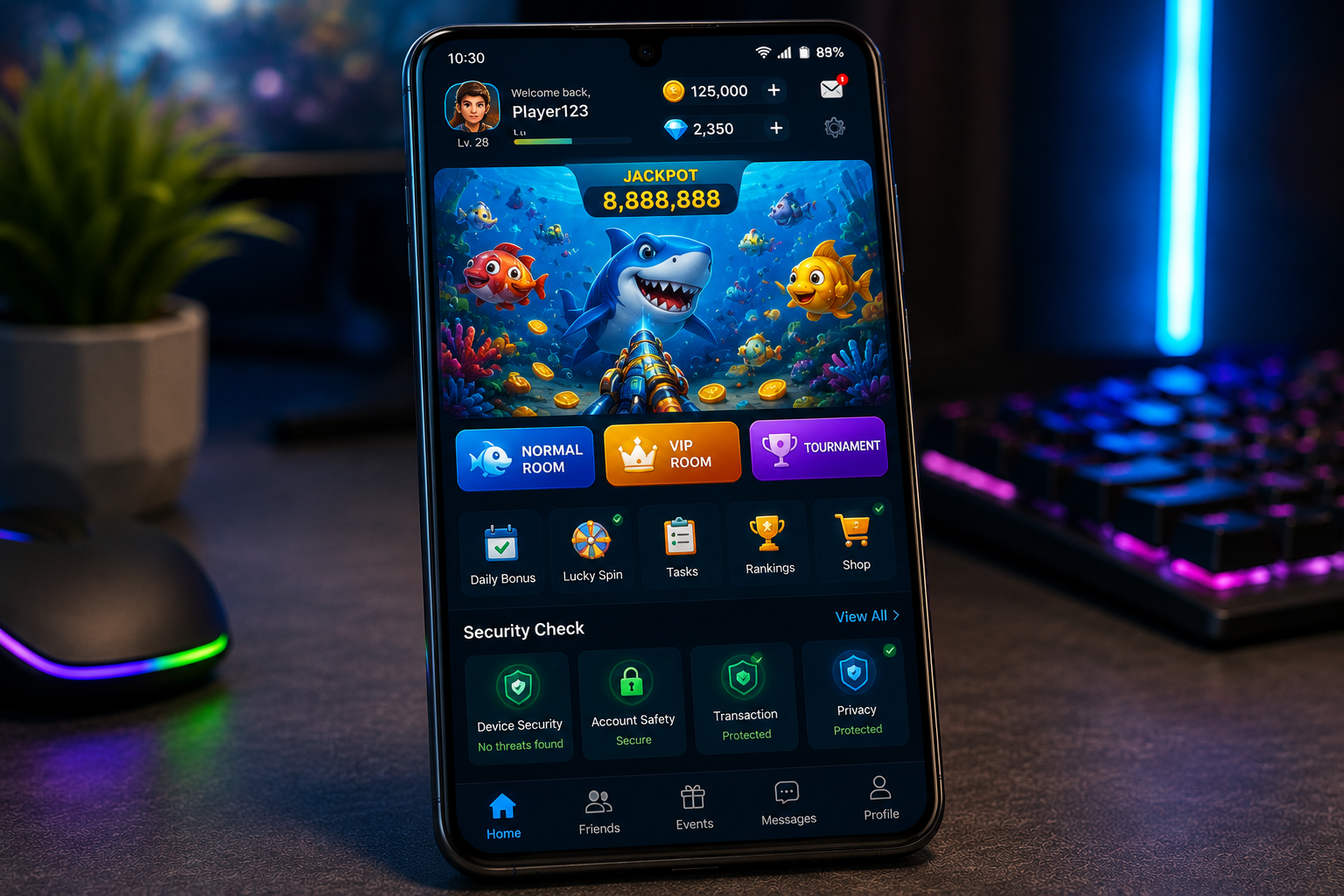
Installing an Android application is not the end of the security check. The first few hours of use can reveal whether the app behaves as expected, consumes unusual resources, or requests access unrelated to its purpose. A short post-installation audit helps users detect warning signs before storing sensitive information or making payments.
After installing a gaming service such as B29, avoid immediately approving every prompt. Open the Android app information screen and examine each setting deliberately. The objective is to understand what the application can do in the background and whether those capabilities are necessary.
Contents
- Confirm That the Correct Package Was Installed
- Review Every Granted Permission
- Inspect Special Access Settings
- Observe Battery Activity
- Check Mobile Data Consumption
- Examine Storage Growth
- Control Notifications and Pop-Ups
- Verify the Update Process
- Monitor Account Sessions
- Decide Whether the App Deserves to Stay
Confirm That the Correct Package Was Installed
Begin by checking the app name, icon, version number, installation source, and developer information. Imitation packages can use familiar graphics while operating under a different developer identity. If the details do not match information from a verified source, do not sign in.
Android may display the marketplace or package installer responsible for the installation. A file received through a private message, shortened link, or unexpected redirect carries more risk than one obtained through an established distribution channel.
Review Every Granted Permission
Open the permissions panel and separate necessary access from optional access. A gaming application may need an internet connection and could offer notifications. Contacts, call logs, text messages, precise location, microphone access, and device administration are more difficult to justify.
Deny questionable permissions and test whether the application still performs its basic functions. If it refuses to run without unrelated access, that behavior deserves scrutiny. Android users can change permissions later, so approval does not need to be permanent.
Inspect Special Access Settings
Some capabilities are not listed with ordinary permissions. Check whether the app can appear over other applications, install unknown software, modify system settings, read notifications, or use accessibility services. These privileges can expose information or allow an unsafe app to control important actions.
A standard gaming app rarely needs broad accessibility control. If a downloaded B29 apk asks for such access without a clear and verifiable reason, remove it and secure any account credentials already entered.
Observe Battery Activity
Use the Android battery dashboard to see how much power the app consumes in the foreground and background. High foreground use may be expected during animated gameplay, but heavy activity after the app has been closed can indicate poor optimization or unnecessary background processes.
Restrict background activity when alerts and continuous synchronization are not needed. If the phone becomes unusually warm while idle, restart it and inspect recent applications. Persistent heat, rapid battery loss, or unexpected shutdowns should not be ignored.
Check Mobile Data Consumption
Gaming content can use substantial data, particularly when it includes video, live animation, or frequent asset downloads. Android’s network settings show foreground and background usage separately. A sudden increase while the app is inactive may signal excessive tracking or hidden downloads.
Disable background mobile data if it is unnecessary, especially on a limited plan. Users can also restrict the app to Wi-Fi while evaluating its behavior. Data control reduces both cost and the opportunity for unexplained background communication.
Examine Storage Growth
Compare the installed size with the amount of storage used after several sessions. Cached images and game assets may accumulate naturally, but rapid unexplained growth can affect phone performance. Clearing the cache is generally less disruptive than clearing all application data.
Downloaded files deserve separate inspection. Delete installation packages after confirming that the app works and no rollback copy is needed. Keeping old APK files can lead to accidental reinstallation of an outdated or compromised version.
Control Notifications and Pop-Ups
Allow only alerts that provide genuine account or security value. Promotional notifications can be silenced through Android’s category controls. Lock-screen previews should hide sensitive details such as balances, usernames, or transaction messages.
Be cautious if the app produces overlays outside its normal interface or sends alerts designed to resemble system warnings. Do not install updates or enter credentials through a notification unless the destination has been independently verified.
Verify the Update Process
An app installed outside an official marketplace may not update automatically. Determine how new versions are announced and distributed. Every update should receive the same source and permission checks as the original installation.
Never accept an update file sent by an unknown support account. If a new version requests significantly broader access, review the change before proceeding. Delaying an unclear update is safer than approving expanded permissions without explanation.
Monitor Account Sessions
After the first login, check whether the platform records the device, time, and approximate location. Remove unfamiliar sessions and enable additional verification where available. Use a unique password that is not shared with email, banking, or social accounts.
No legitimate support representative should request a password or one-time code. If the app directs users to private messaging services for account recovery, confirm the channel through the verified website before providing any information.
Decide Whether the App Deserves to Stay
Complete the audit by reviewing performance, permissions, data usage, storage, updates, and account safety together. One minor issue may have a reasonable explanation, but several unexplained behaviors create a stronger reason for removal.
Uninstalling the app does not necessarily close the associated account, so review account settings and active sessions separately. Where paid gaming is legal, users must follow age restrictions, maintain a fixed entertainment budget, and never treat uncertain outcomes as dependable income.